已發售搶先體驗上線於 2026年10月9日遊戲版本 v0.1.50.17746Steam 評價 特別好評 · 91% (209)資料核對於 2026年10月11日更新日誌 →
CUSTOMER ORDERS — READ SLIPS TO TRAYS

《Japanese Ramen Simulator》顧客訂單攻略:讀懂票據、味噌與客製配料 (2026)

Steam 搶先體驗(v0.1.50.17746)。Max V2 Part 5 創作者預覽(官方未確認):讀 Order Slip/吧台 UI、味噌拉麵、味玉、煎餃啤酒複合單與托盤備餐。數值為觀察值。
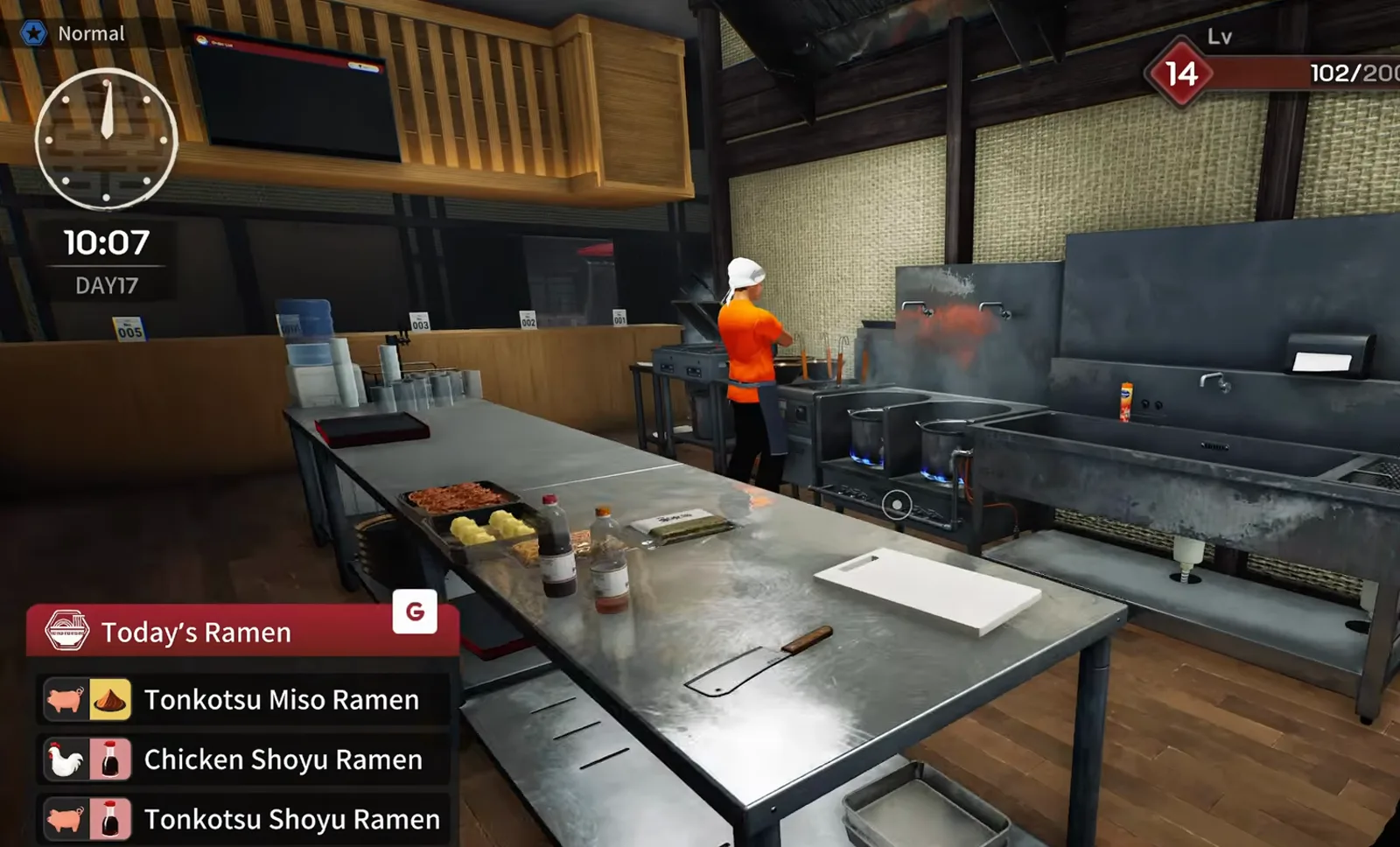
Japanese Ramen Simulator dining room at 10:00 on day 17 with the Today’s Ramen menu listing tonkotsu miso chicken shoyu and tonkotsu shoyu recipes before customers arrive
📸 10:00——開店前用 Today’s Ramen 確認當日湯底×醬汁組合。▶ Max V2 實況這一段: 9:00

讀單出餐:六個關鍵實測觀察

本頁不談 FIFO 排序(見 /guides/rush-hour-kitchen-flow),專注「如何讀一張票、如何在托盤上湊齊」。麵體與配料物理見 /guides/noodle-toppings-guide。

當日菜單Today’s Ramen實測觀察

決定客人能點的湯底×醬汁組合(觀察)

票據 UIOrder Slip實測觀察

麵、醬、配料、副食、飲料分行顯示

味噌單豚骨味噌+料實測觀察

味噌醬、絞肉、蔥、高麗菜等多行(觀察)

味玉半顆/兩半實測觀察

煮蛋→滷→切片再對單(觀察)

副食煎餃・啤酒實測觀察

同一票據會出現——需托盤端送(觀察)

補貨筍乾等實測觀察

班中訂貨——缺料會堆單(觀察)

來源與驗證影片

資料來源怎麼標

本站是非官方粉絲站。每則關鍵資訊都附來源標籤,方便你分辨哪些是開發商確認的、哪些是我們估算的。

  • 官方來自 Steam 商店頁、官方公告或更新說明。
  • 實測觀察來自實機畫面或試玩觀察,正式版可能已變動。
  • 玩家回報來自 Steam 玩家回報,本站尚未重現。
  • 站點模型本站自建的計算或估算,並非遊戲內實際數值。

截圖來自 Max V2 Part 5 創作者預覽(2026-10-03 前後版本)。正式 EA 與後續更新可能改 UI/價格——以 /changelog 為準。

下列時間與菜單為單次實況觀察,非官方日程。Day 1 收盤員與 v0.1.50 後續更新以 /changelog 為準。

從讀票到出餐:十步流程實測觀察

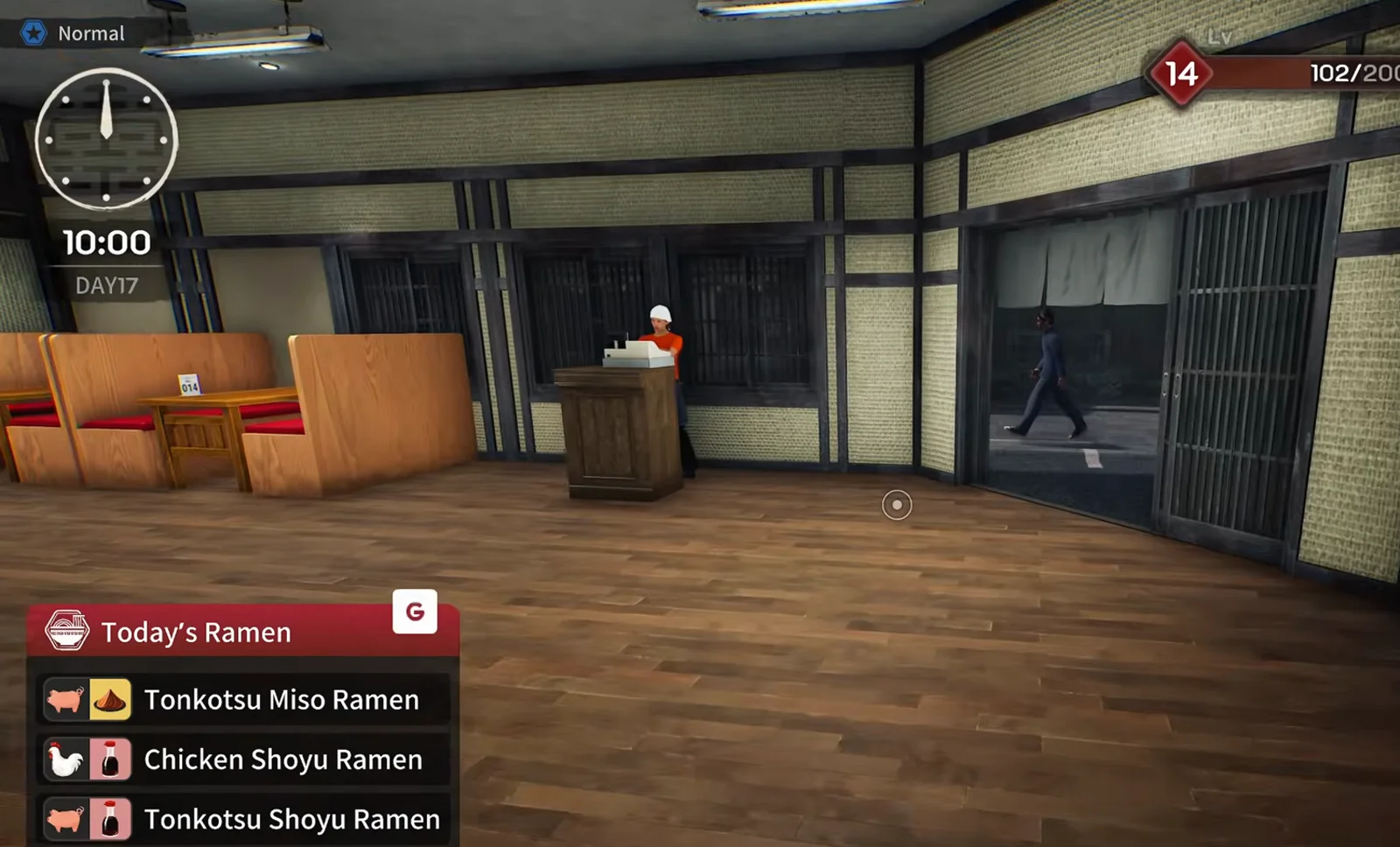
Japanese Ramen Simulator opening prep at 10:07 on day 17 with the Today’s Ramen panel listing tonkotsu miso, chicken shoyu and tonkotsu shoyu recipes beside stacked serving trays on the steel pass
STEP 01

步驟1:開店前看 Today’s Ramen

按 G 開啟「本日拉麵」,確認當天可賣的湯底×醬汁(預覽 Day 17 開店 10:00 前後同時有豚骨味噌、雞醬油、豚骨醬油)。先把黑托盤與水杯擺好,第一張票就不慌。

▶ Max V2 實況這一段: 9:07
📸 菜單決定客人能點什麼,不是廚房庫存清單。
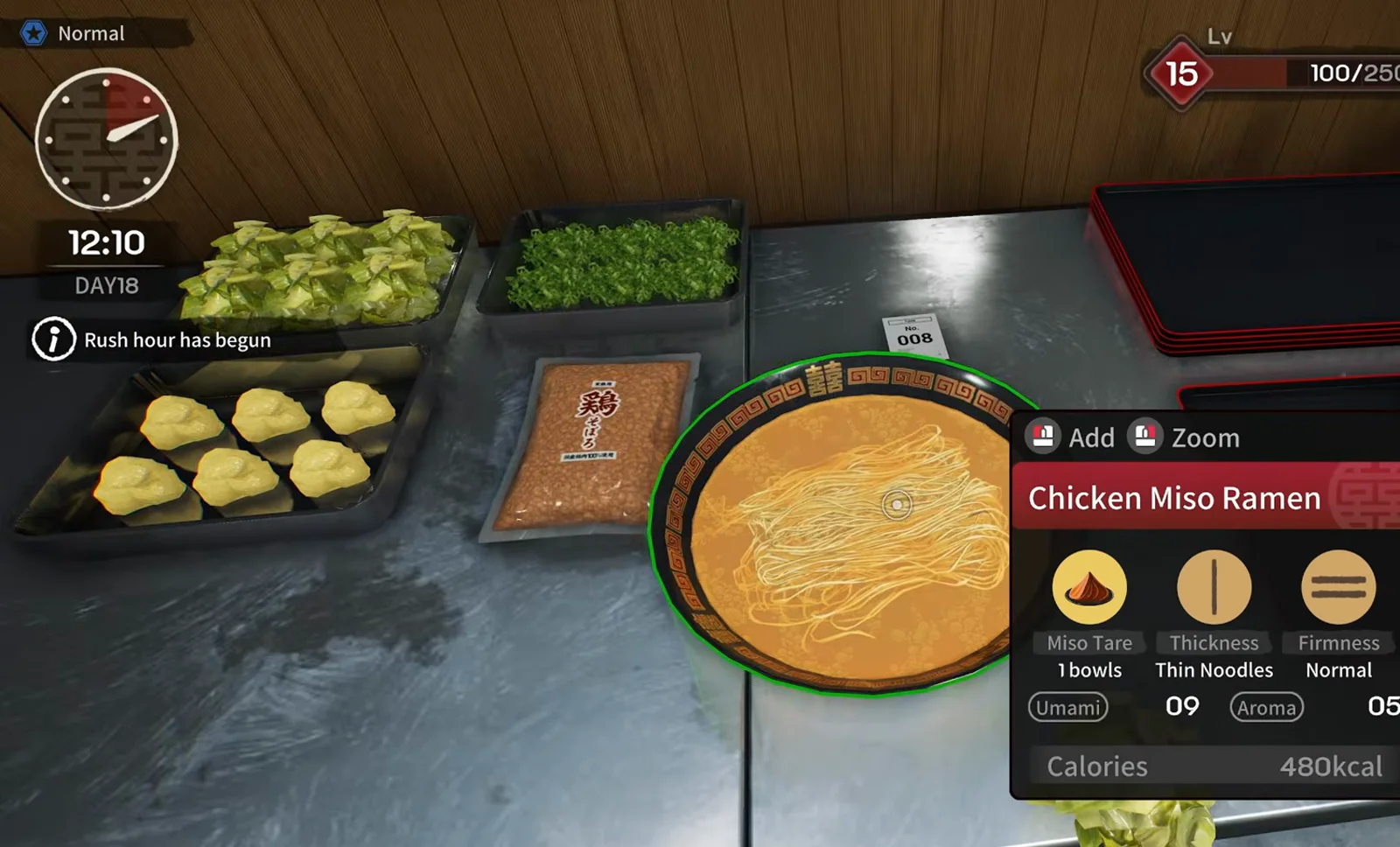
Japanese Ramen Simulator rush-hour prep for ticket 008 with chicken miso ramen bowl card, chopped cabbage trays and paper slip 008 on the steel pass at 12:10 on day 18
STEP 02

步驟2:用 Order Slip 逐行讀

Order Slip 會列出:麵種圖示(豬/雞+味噌/醬油)、配料、副食、飲料。預覽 Day 18 尖峰(12:10)008 號為雞味噌+高麗菜——紙票「008」、高麗菜盤與丼卡要一起讀;其他時段票據也可能含煎餃、啤酒行(觀察)。

▶ Max V2 實況這一段: 31:22
📸 UI 行數=你要夾幾次料。
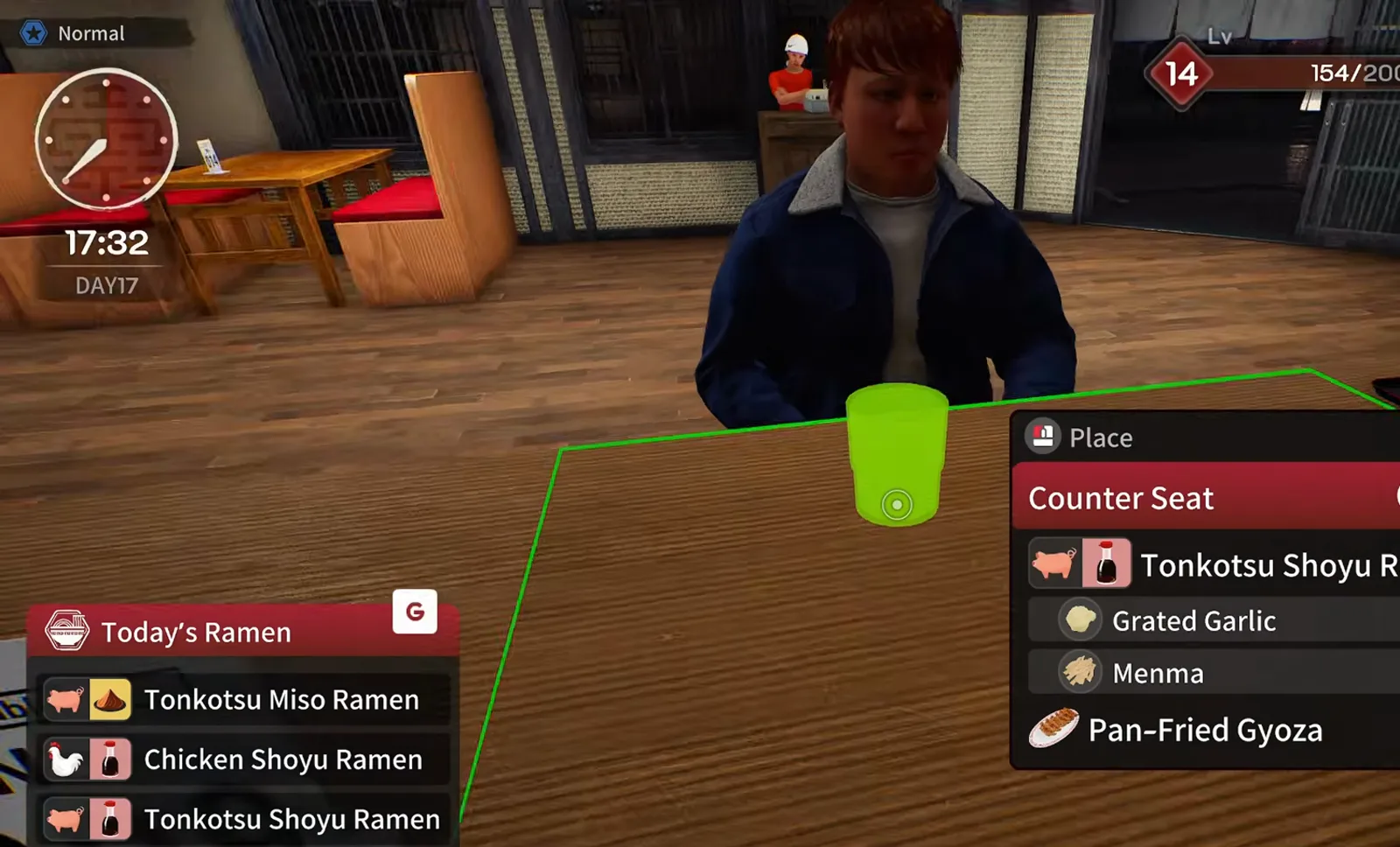
Japanese Ramen Simulator counter-seat popup listing tonkotsu shoyu ramen with grated garlic and menma plus a pan-fried gyoza plate while the customer waits at table 013
STEP 03

步驟3:吧台座位彈窗

Counter Seat 視窗會重複同一訂單。預覽中 013 號客人要豚骨醬油+蒜+筍乾+煎餃。座位 UI 與廚房票據對著看,避免端錯桌。

▶ Max V2 實況這一段: 13:40
📸 座位號=票號的現場提示。
Japanese Ramen Simulator rush-hour order slip for ticket 004 requesting tonkotsu miso ramen with chopped green onion and ground meat topping above matching prep trays and a No. 004 paper slip
STEP 04

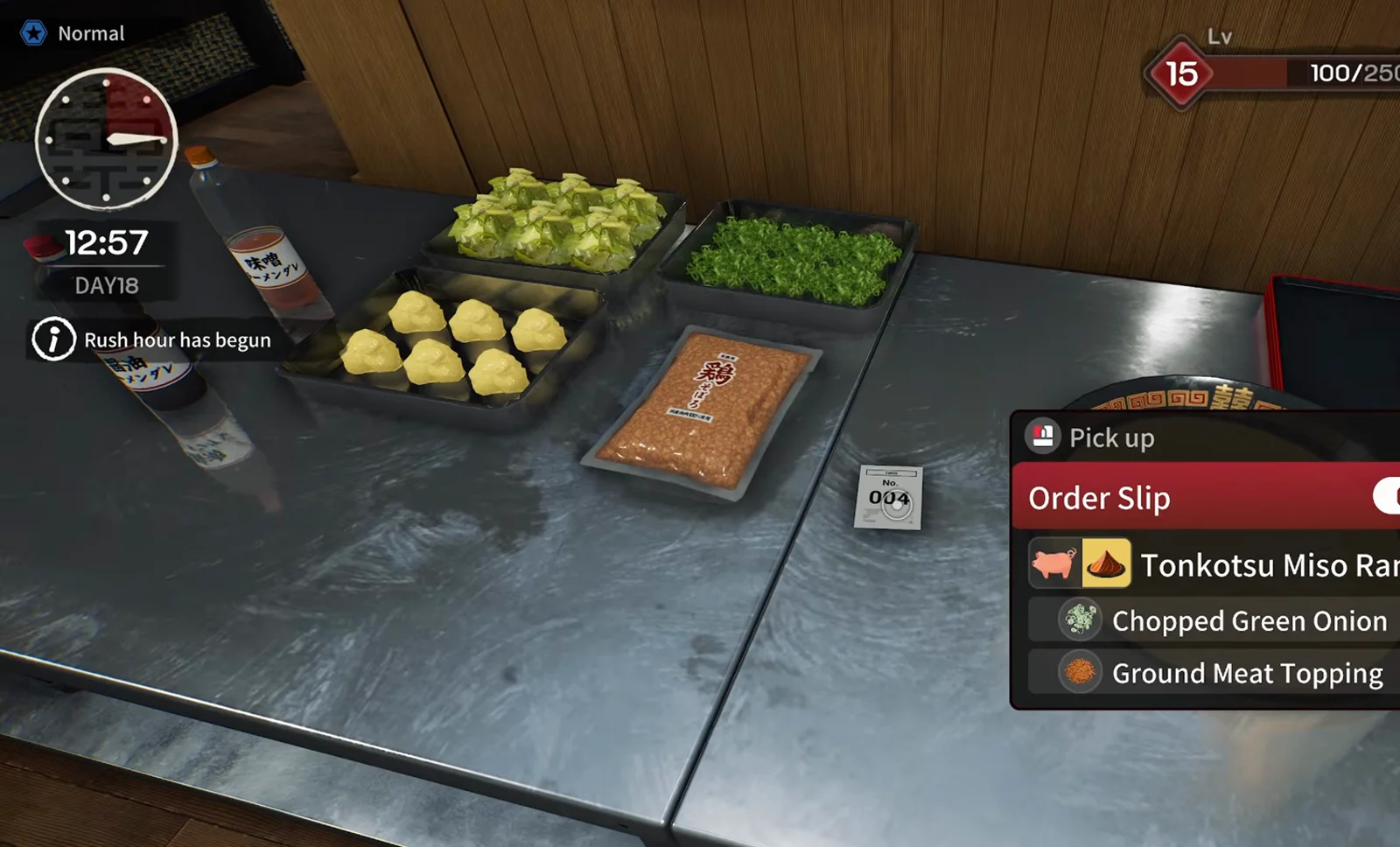
步驟4:味噌+絞肉等多料順序

尖峰(12:57 提示)004 號:豚骨味噌+蔥+絞肉。預覽把各料分盤,紙票與 Order Slip 並排。長按左鍵精細放料為創作者實況說法,官方未確認——不必全部堆成一座山。

▶ Max V2 實況這一段: 31:51
📸 味噌行與配料行是分開的。
Japanese Ramen Simulator tonkotsu miso ramen bowl highlighted on the pass with the inspection card showing miso tare, thin noodles, normal firmness, umami 07 and ticket 004 on the counter
STEP 05

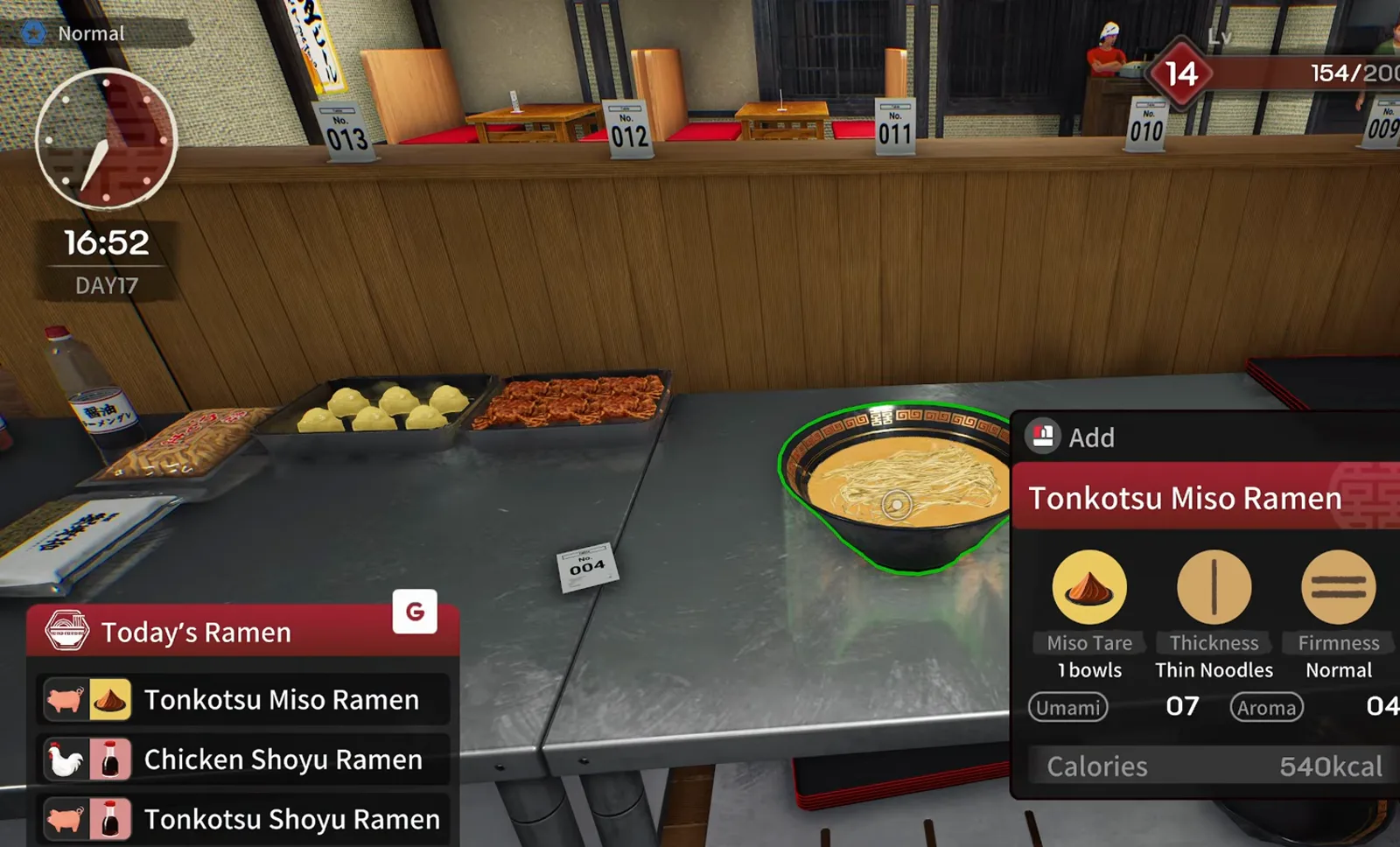
步驟5:丼上資訊卡核對

出配料前看碗邊卡片:味噌醬、麵粗細、硬度、旨味/香氣。預覽 004 顯示豚骨味噌、細麵、普通硬度(UI 原文,觀察)。與票據不符就重做——實況曾專心打啤酒而倒錯湯。

▶ Max V2 實況這一段: 13:15
📸 卡片是出餐前最後一道檢查。
Japanese Ramen Simulator afternoon pass with two paper order tickets beside a black serving tray while the player holds an empty patterned ramen bowl under the Today’s Ramen menu
STEP 06

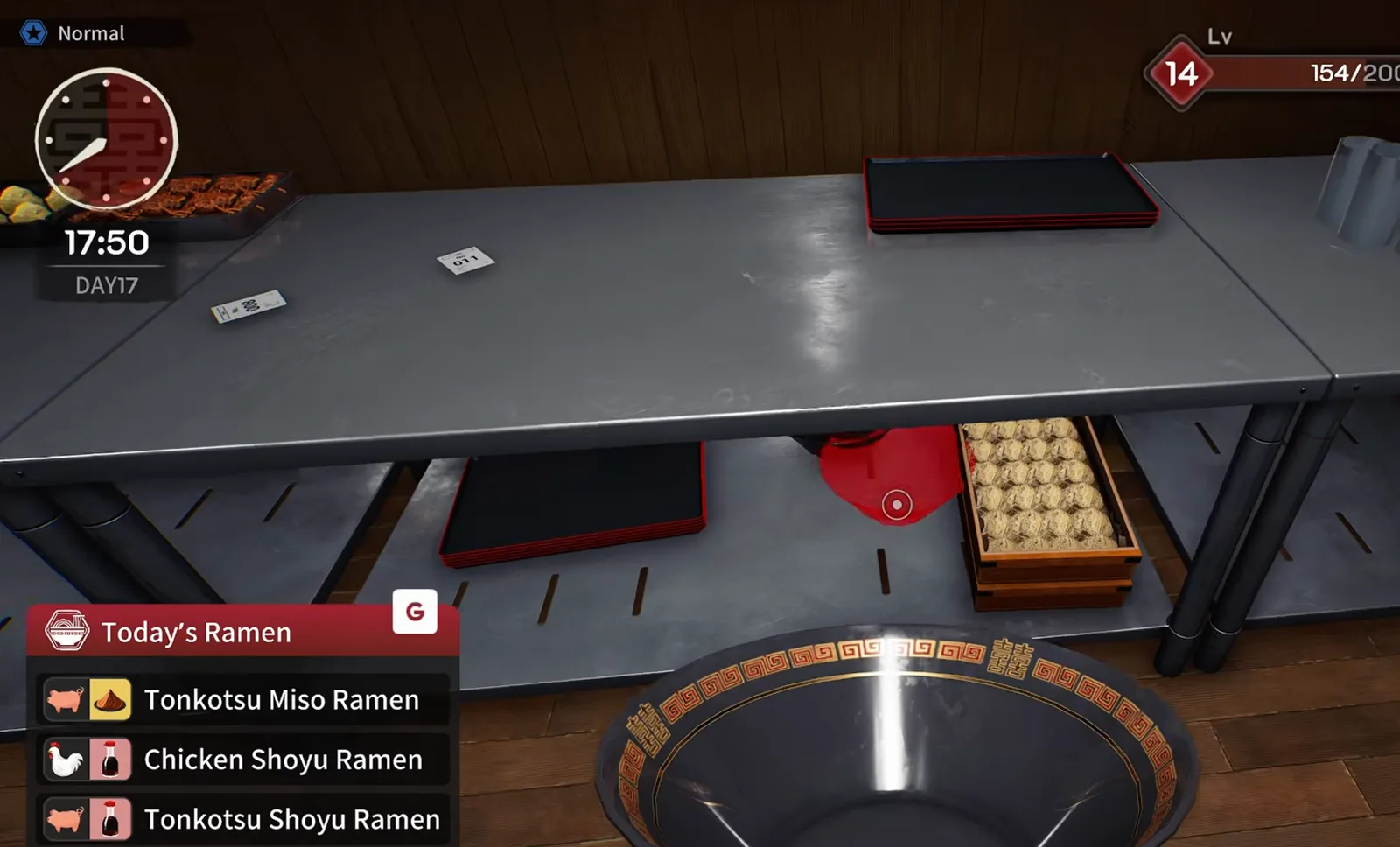
步驟6:票與空碗一起排

尖峰時把紙票與空碗並排在出餐口;黑托盤留給副食/飲料。FIFO 怎麼排見 /guides/rush-hour-kitchen-flow,這裡只管「哪張票對哪只碗」。

▶ Max V2 實況這一段: 13:51
📸 視覺分組比記憶可靠。
Japanese Ramen Simulator Food Market terminal catalog with menma packs showing umami and aroma stats beside garlic cabbage and nori cards during a mid-shift restock order
STEP 07

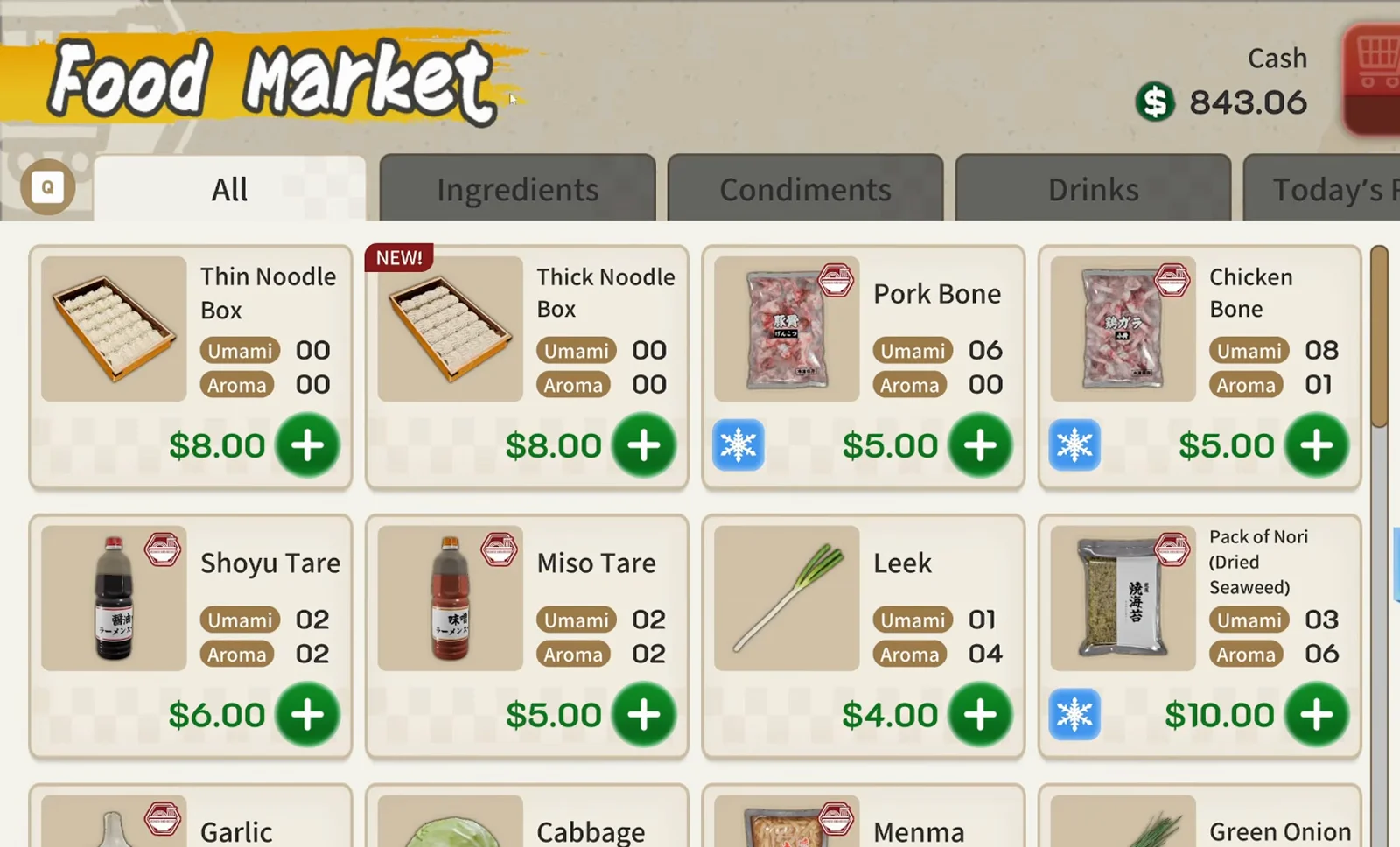
步驟7:班中補筍乾

預覽(Day 17 午市)因筍乾(メンマ)用盡而暫停,Food Market 終端機急訂筍乾、水、啤酒桶。把包裝料放回備料區。目錄上的旨味/香氣僅 UI 參考——官方計分公式未公開(觀察)。

▶ Max V2 實況這一段: 14:48
📸 缺料會比餓肚子客人更拖時間。
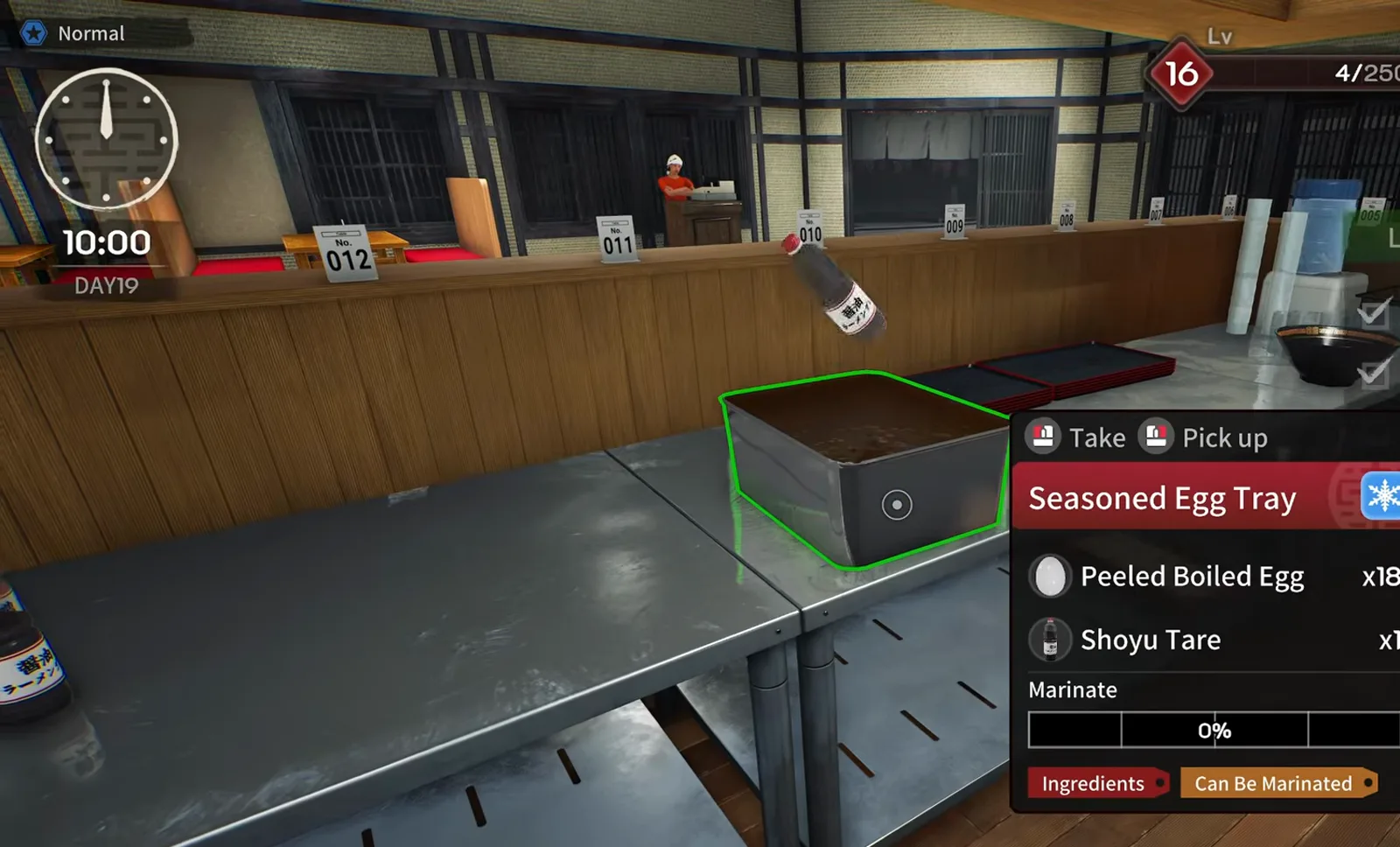
Japanese Ramen Simulator seasoned egg tray on the pass with eighteen peeled boiled eggs soaking in shoyu tare at 0 percent marinate progress during day 19 morning prep
STEP 08

步驟8:味玉批次處理

約 16 級解鎖包裝蛋(觀察)。燉鍋煮 10 顆→剝殼→醬油滷托盤浸泡。進度條跑滿再切半。早上做完,午市「半顆味玉」行才不會追不上。

▶ Max V2 實況這一段: 42:10
📸 煮與滷分兩段——別在尖峰才開工。
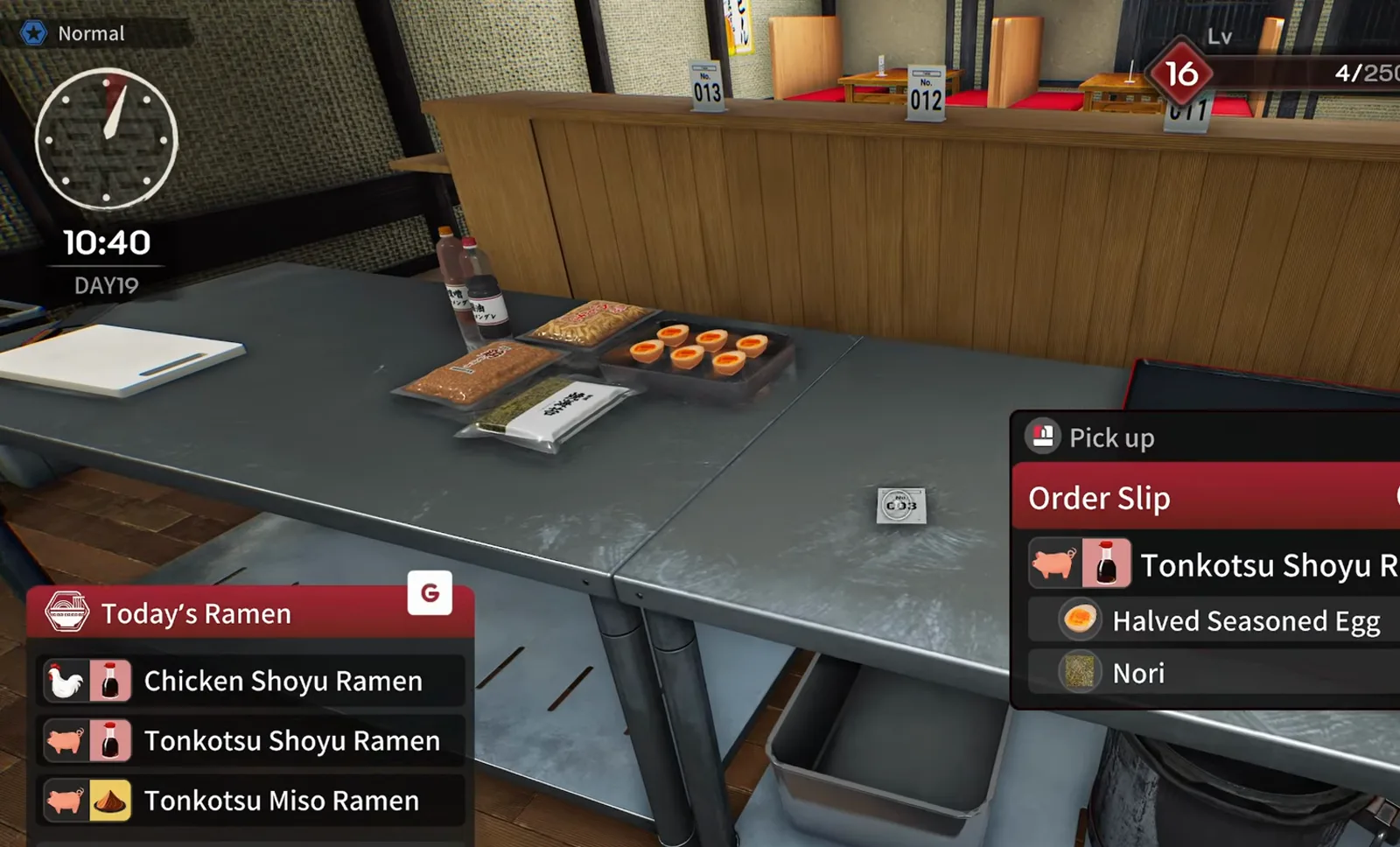
Japanese Ramen Simulator order slip for tonkotsu shoyu ramen with halved seasoned egg and nori while a tray of sliced eggs and nori packs sit on the stainless prep counter
STEP 09

步驟9:半顆味玉+海苔

票據列出半切味玉與海苔(UI 原文 Halved Seasoned Egg/Nori)。預覽在檯面放半切味玉盤與海苔包,票據貼手邊。海苔 ×2 等數量別漏——同 /guides/beginner-mistakes-guide 的雙份醬教訓(觀察)。

▶ Max V2 實況這一段: 45:35
📸 數字行要當成必做清單。
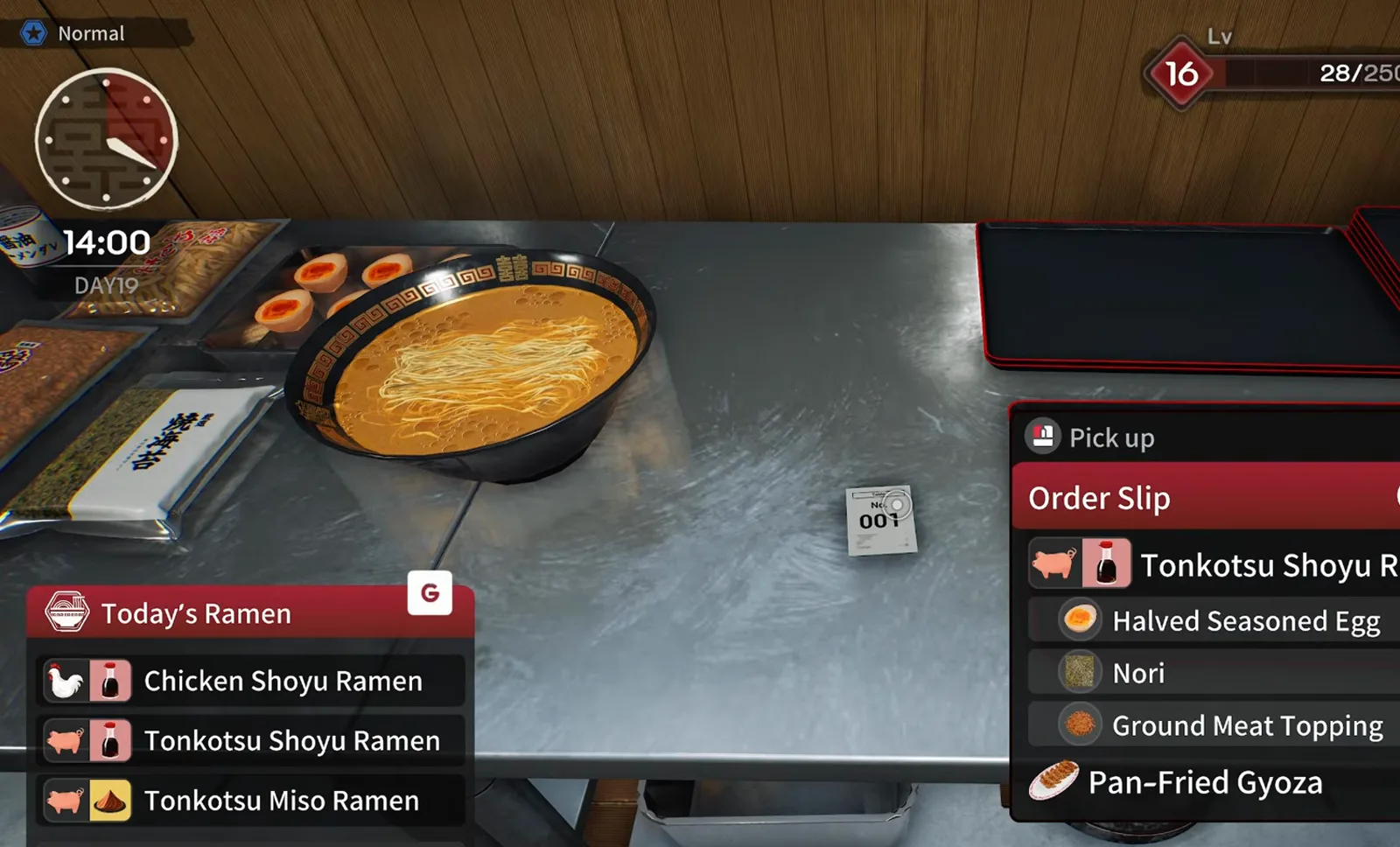
Japanese Ramen Simulator order slip for ticket 001 listing tonkotsu shoyu ramen with halved seasoned egg, nori, ground meat topping and pan-fried gyoza above a bowl mid-assembly
STEP 10

步驟10:煎餃複合單+托盤

001 例:豚骨醤油+半味玉+海苔+絞肉+煎餃。碗完成後餃子裝盤上托盤;有啤酒行則接 /guides/beer-pouring-guide。洗碗循環見 /guides/dish-washing-guide。

▶ Max V2 實況這一段: 47:40
📸 碗好了≠整單完成。

訂單常見問題

Q1.Today’s Ramen 和 Order Slip 差在哪?

前者是當日可賣的配方框;後者是每位客人的完整清單(含副食/飲料)。預覽中兩者會同時顯示。

Q2.味噌拉麵怎麼讀?

同時看豬/雞圖示(湯)與味噌醬行,配料另計。配方表 /recipes;味噌解鎖 /guides/level-unlocks-guide。

Q3.和 rush-hour 頁有何不同?

rush-hour 講排序與動線模型;本頁講單票內容與備料。兩者互補。

Q4.味玉何時備?

預覽在 16 級左右解鎖,開店前批量煮滷。班中只切半對單(觀察)。砧板到托盤步驟見 /guides/prep-station-guide。

Q5.煎餃/啤酒會在同一票嗎?

會——預覽票據有煎餃、啤酒行(UI 原文 Pan-Fried Gyoza/Beer)。副食走托盤,啤酒另做杯型操作(觀察)。

Q6.筍乾沒了怎麼辦?

Part 5 實況班中訂貨。堆單前先把缺料補上。參考 /ingredients。

Q7.和現在搶先體驗不一致?

Day 1(v0.1.48.17626)有收盤員、難度倍率等官方改動。請查 /changelog 與 /guides/player-faq。

相關頁面