LIVEEarly Access since Oct 9, 2026Game v0.1.50.17746Steam reviews Very Positive · 91% (209)Facts checked Oct 11, 2026Patch notes →
SHOP EXPANSION — LEVEL 10

Japanese Ramen Simulator First Shop Expansion (Level 10)

Steam Early Access guide to the first shop expansion at level 10: terminal purchase, new floor space, build-mode layout, seating and prep — from a pre-release creator preview (live build may differ).

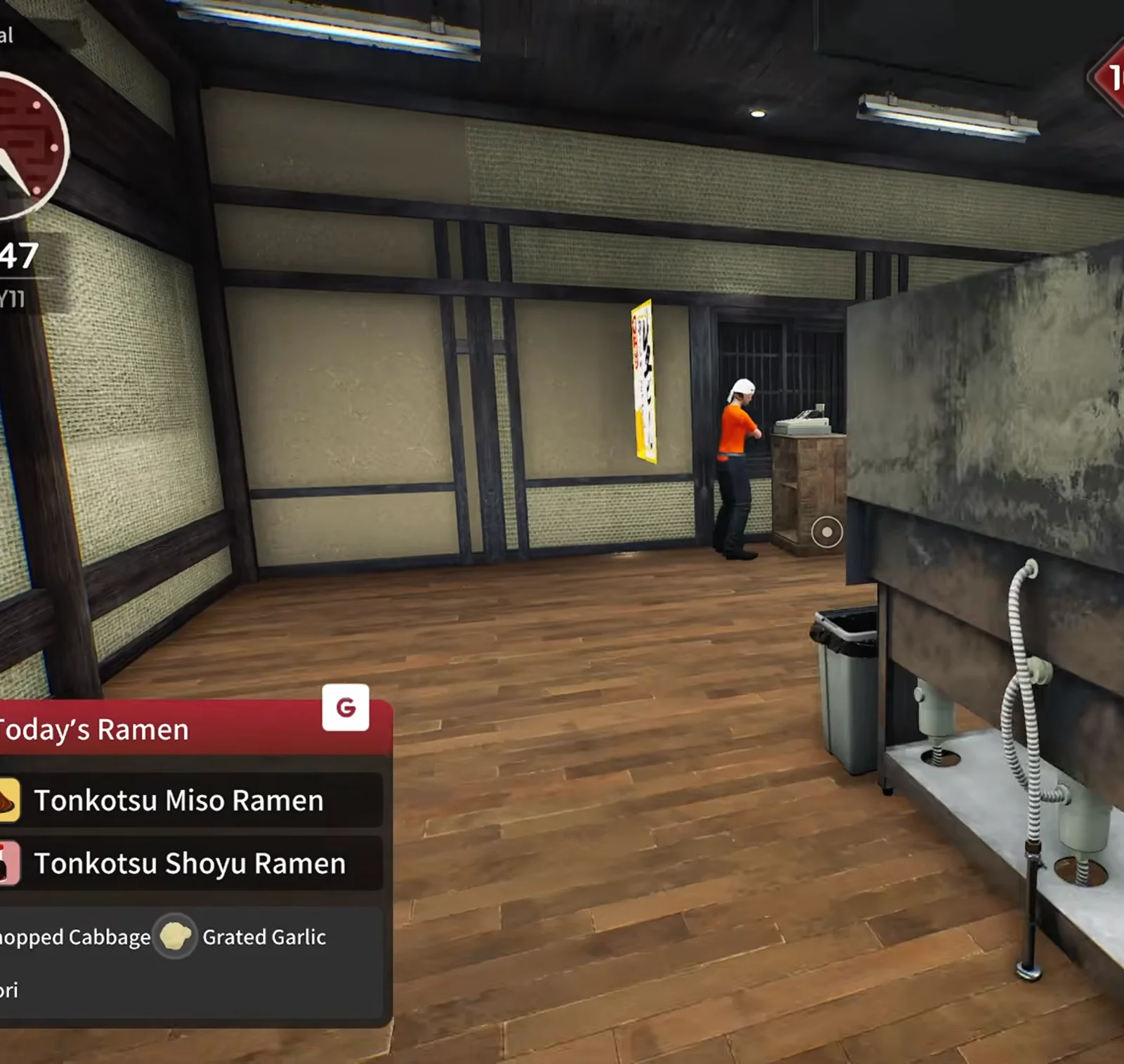
Japanese Ramen Simulator wide dark-wood hall with shoji walls, a staff member at the back window and a steel counter unit with a trash bin after the first shop expansion at level ten in preview footage
📸 14:47 — the first expansion opens a full empty hall behind your counter (preview build).▶ Watch this moment in Max V2’s preview run: 15:45

First expansion at a glance

Steam lists separate achievements for reaching shop level 10 and buying your first expansion in build mode. The steps below follow Max V2’s pre-release Part 3 run (October 2026 preview build) — treat timings, prices and UI labels as observed footage, not a guaranteed live schedule. OBSERVED

Unlock gateShop level 10

Level-up banner hit mid-service on day nine in the preview; Steam achievement text matches level 10

Where to buyTerminal → Shop Expansion

Management laptop app with a green expansion icon; checklist later says “check shop expansion”

Cash drop (observed)≈ $280

Register fell from about $1,051 to $771 right after the purchase in the same run — exact price unconfirmed

What changesWalls out, hall in

Interior partition removed; large empty tatami-floored room for seating, bar and back kitchen

Same-day tipBuy bowls first

Creator stocked extra bowls and tables before expanding because dish count lagged orders

Next milestone (heard)Level 20?

Streamer guessed the next size jump at level 20 — not confirmed in official patch notes

Official anchors (Steam)

  • •Achievement “Reach shop level 10.” — shop level milestone.
  • •Achievement “Expand your shop for the first time.” — buy the first expansion in build mode when unlocked.
  • •Day 1 patch counts shop expansion toward tutorial progress even if you finish it before the on-screen prompt (see Steam notes linked below).

Steam Day 1 — v0.1.48.17626 · OFFICIAL

Sources & preview video

Screenshots are cropped from Max V2’s YouTube preview (Part 3 — shop doubled in size). Wording is rewritten; do not treat auto-captions as patch notes. Cross-check /guides/level-unlocks-guide for the level ladder, /guides/shop-customization-guide for decor, and /tools/layout-planner for seating math — this page is the level-10 floor-plan walkthrough. OBSERVED

Level 10 expansion walkthrough (11 steps) OBSERVED

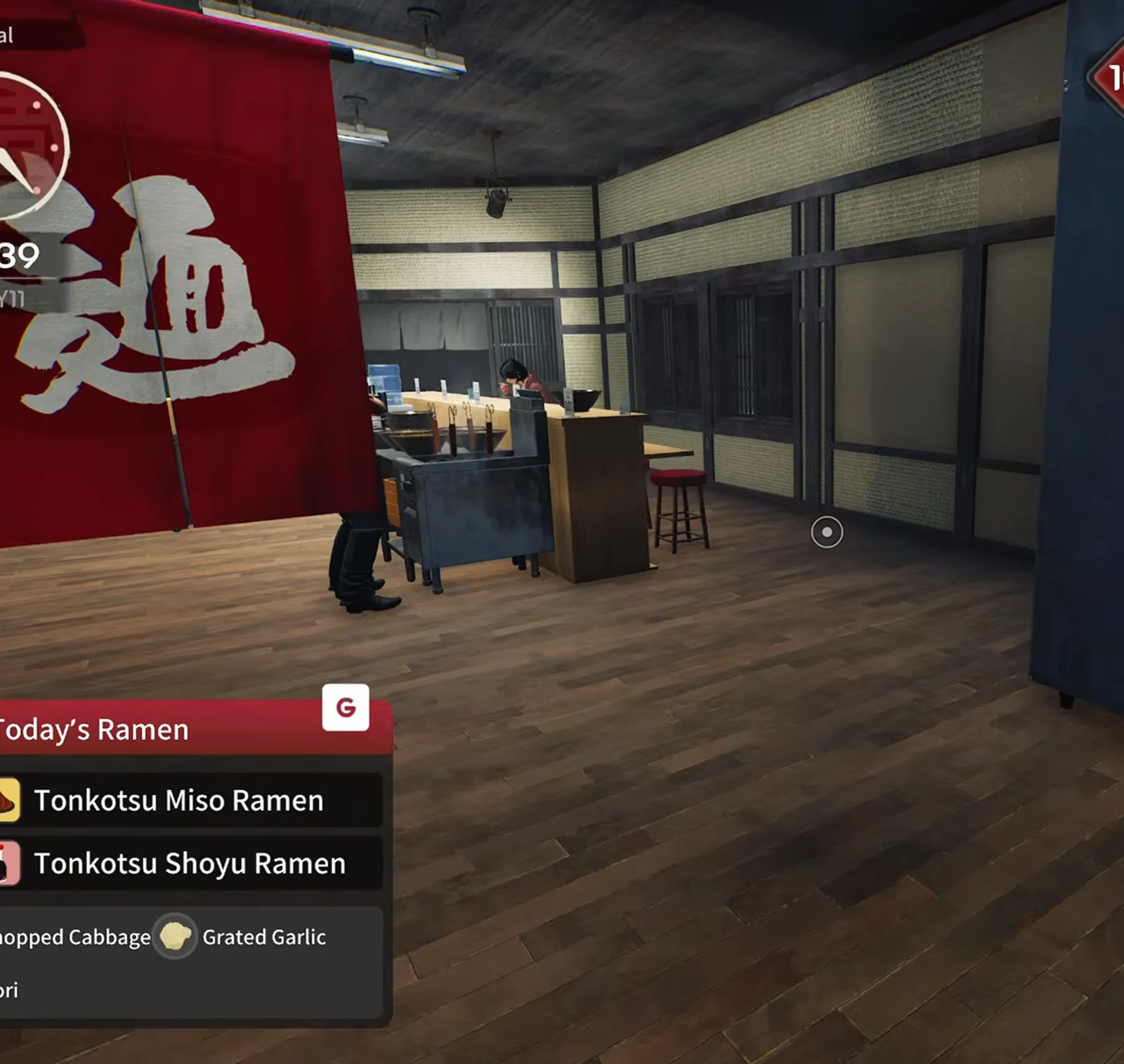
Japanese Ramen Simulator red noren curtain with the noodles kanji hanging inside the expanded dining hall during Max V2 preview service
STEP 01

Step 1: Level 10 milestone in the preview run (14:39)

In Max V2’s October preview build, shop level 10 lands mid-shift while lunch tickets are still running — matching the Steam achievement text for reaching shop level 10, not a sleep-screen milestone. Finish open orders if you are one sale away; the same shift continues into layout work while guests keep arriving.

▶ Watch this moment in Max V2’s preview run: 15:40
📸 14:39 — level 10 noren inside the new hall (preview).
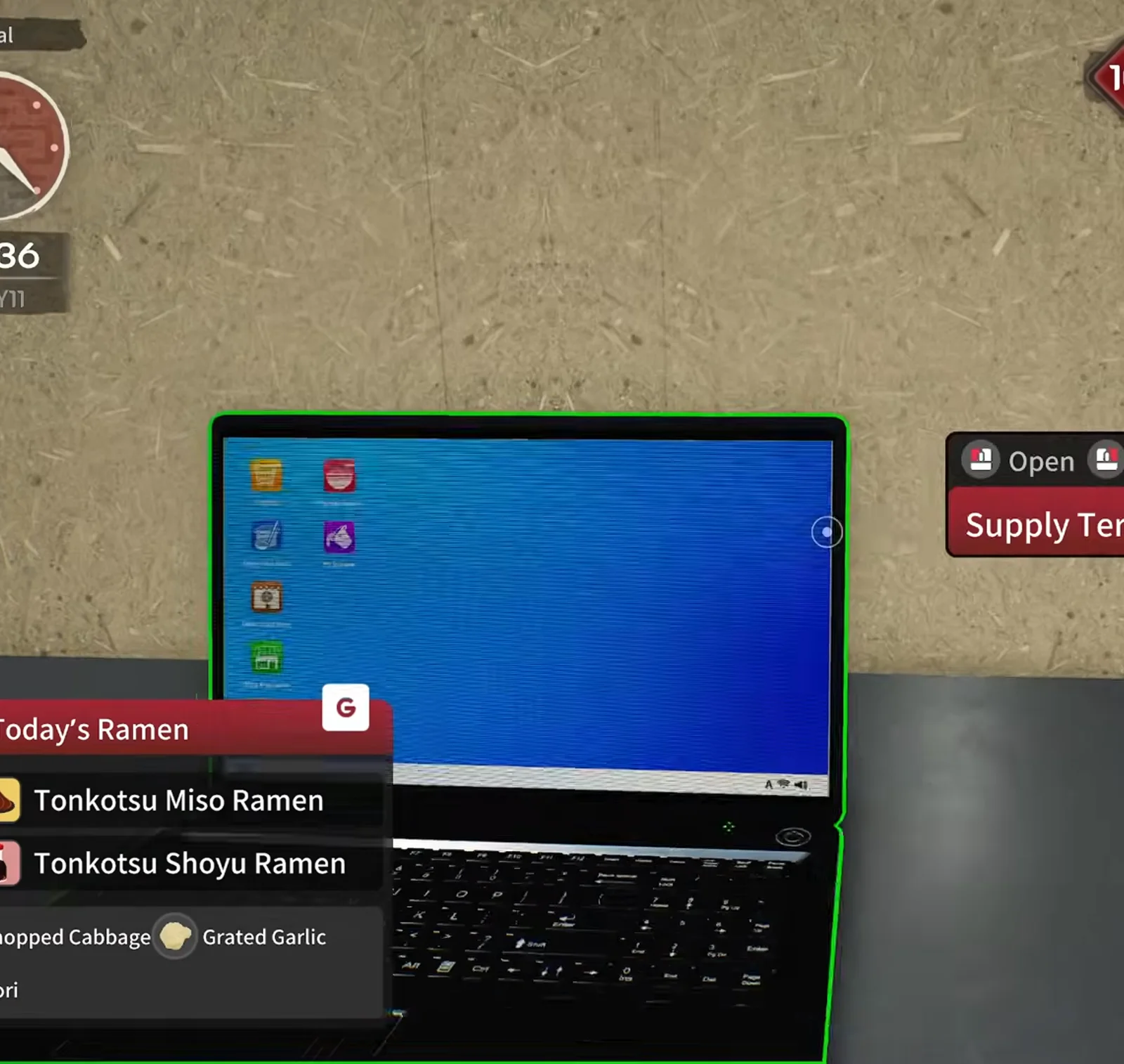
Japanese Ramen Simulator Supply Terminal laptop highlighted in green on the counter desktop before confirming the first shop expansion in preview footage
STEP 02

Step 2: Open the Supply Terminal laptop (14:36)

The counter laptop opens as the Supply Terminal in this preview footage (green interaction outline). Use it to reach the shop expansion purchase flow alongside register stats and equipment orders — observed UI label, not a Steam-documented menu name.

▶ Watch this moment in Max V2’s preview run: 15:38
📸 14:36 — Supply Terminal laptop before purchase.
Japanese Ramen Simulator first shop expansion opening a wide dark-wood hall behind the counter at level ten with a staff member by the back wall and Today's Ramen on screen
STEP 03

Step 3: Buy the first expansion — empty hall (14:47)

After confirming the purchase, an entire interior wall disappears and a large dark-wood dining hall opens behind the existing counter. Cash in the preview dropped by roughly $280. You can expand during opening hours — the creator kept serving while planning the new layout.

▶ Watch this moment in Max V2’s preview run: 15:45
📸 14:47 — the wider hall after the expansion purchase.
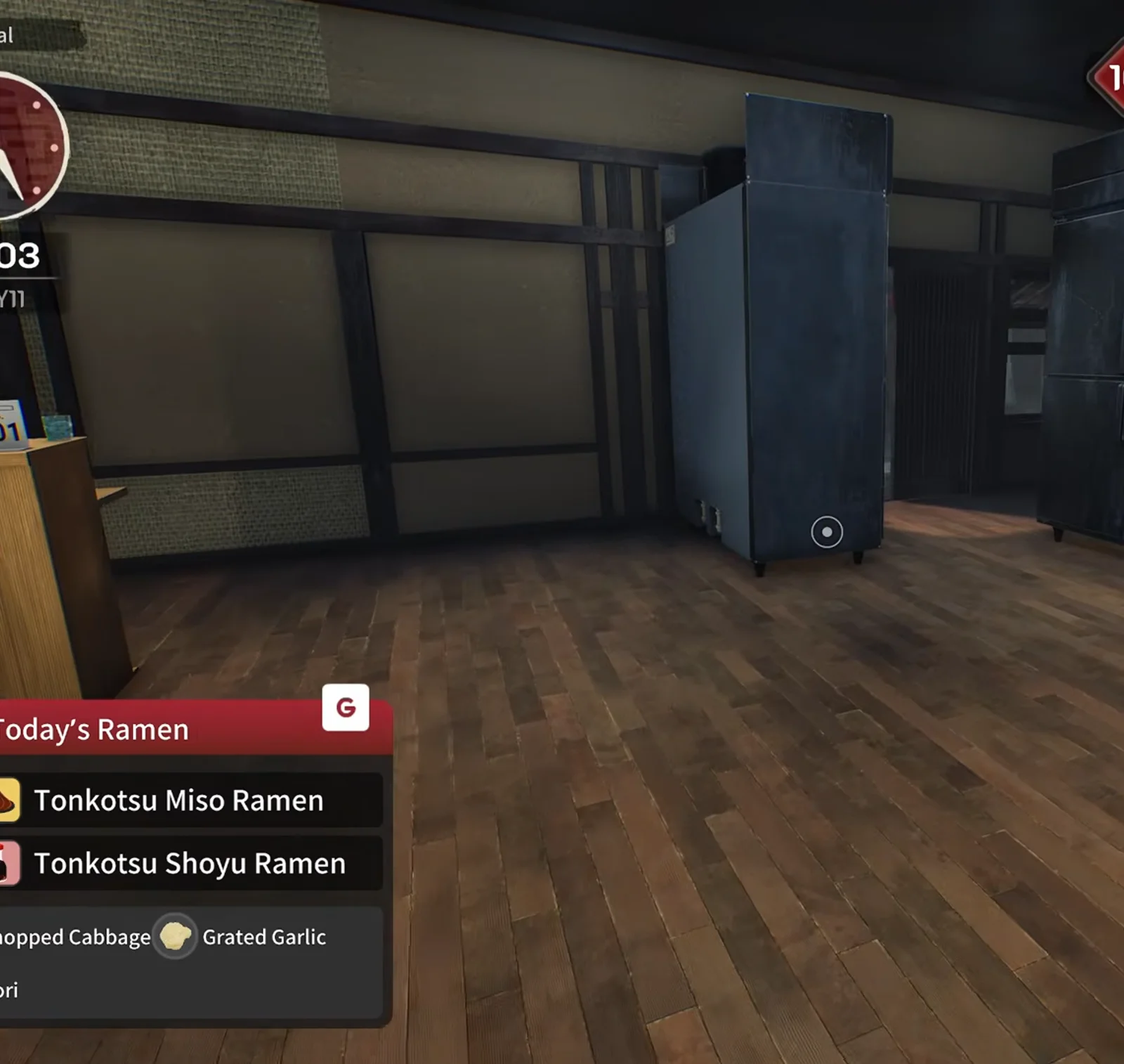
Japanese Ramen Simulator dark empty wood-floor room with a single tall dark-blue cabinet standing against the back wall of the expanded hall in the preview run
STEP 04

Step 4: Walk the new back-room footprint (15:03)

The new footprint extends deep enough for walk-in refrigerators, extra prep tables and a separate seating zone. Use this walkthrough before you spam furniture: the preview run treats the back third as kitchen/storage and the front as guest seats.

▶ Watch this moment in Max V2’s preview run: 15:55
📸 15:03 — a dark-blue cabinet against the back wall of the new hall.
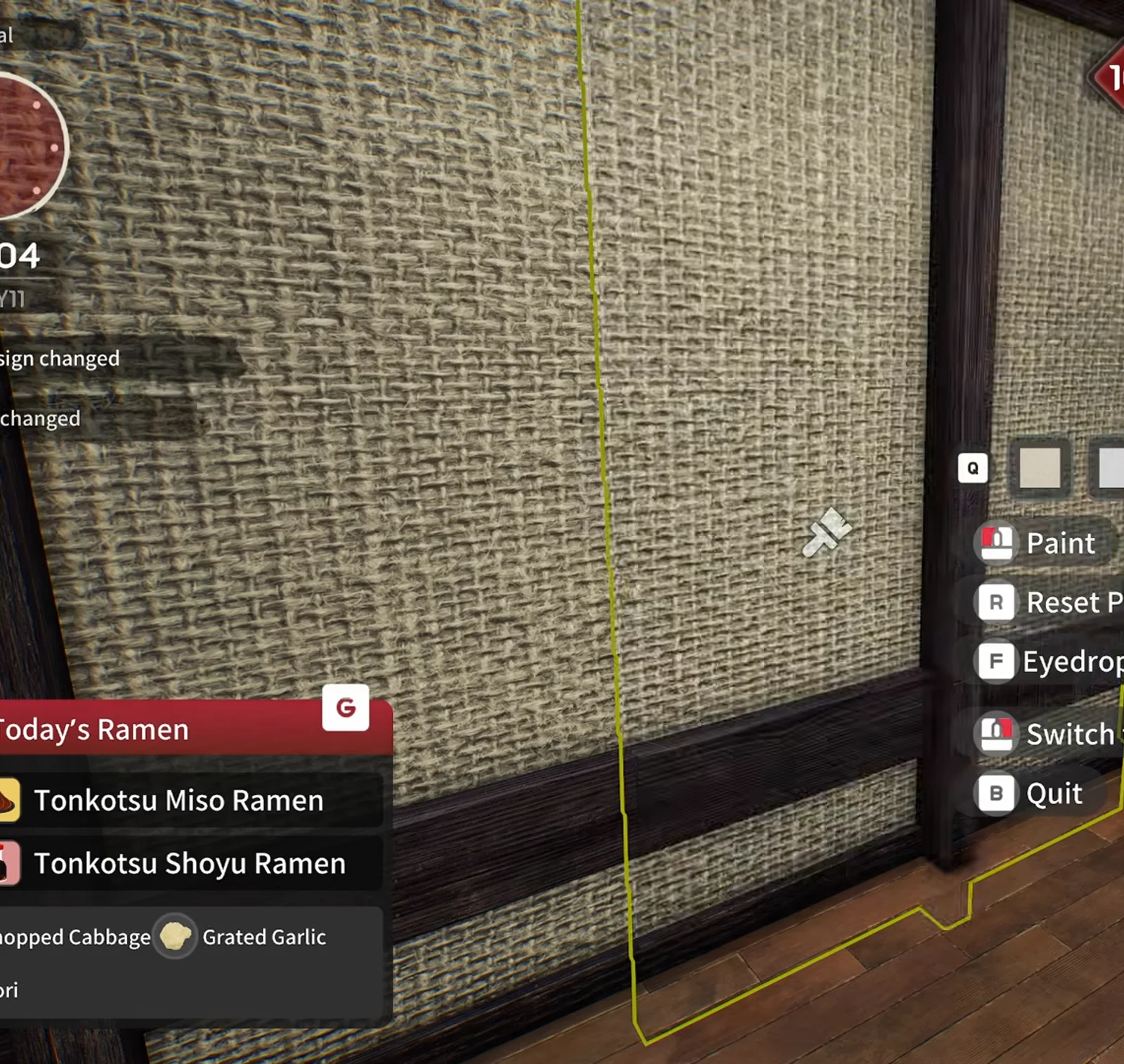
Japanese Ramen Simulator build mode paint tool targeting a tatami-textured wall panel with Paint, Reset Paint and Eyedrop controls at level ten
STEP 05

Step 5: Customize walls in build mode (19:04)

Build mode returns immediately — paint, eyedropper and reset on wall panels, same as pre-expansion decor. The creator re-skinned tatami panels while customers were still in the shop. Official Day 1 notes do not change expansion unlock level; they only clarify tutorial credit if you expand early.

▶ Watch this moment in Max V2’s preview run: 17:50
📸 19:04 — paint tools on the expanded walls.
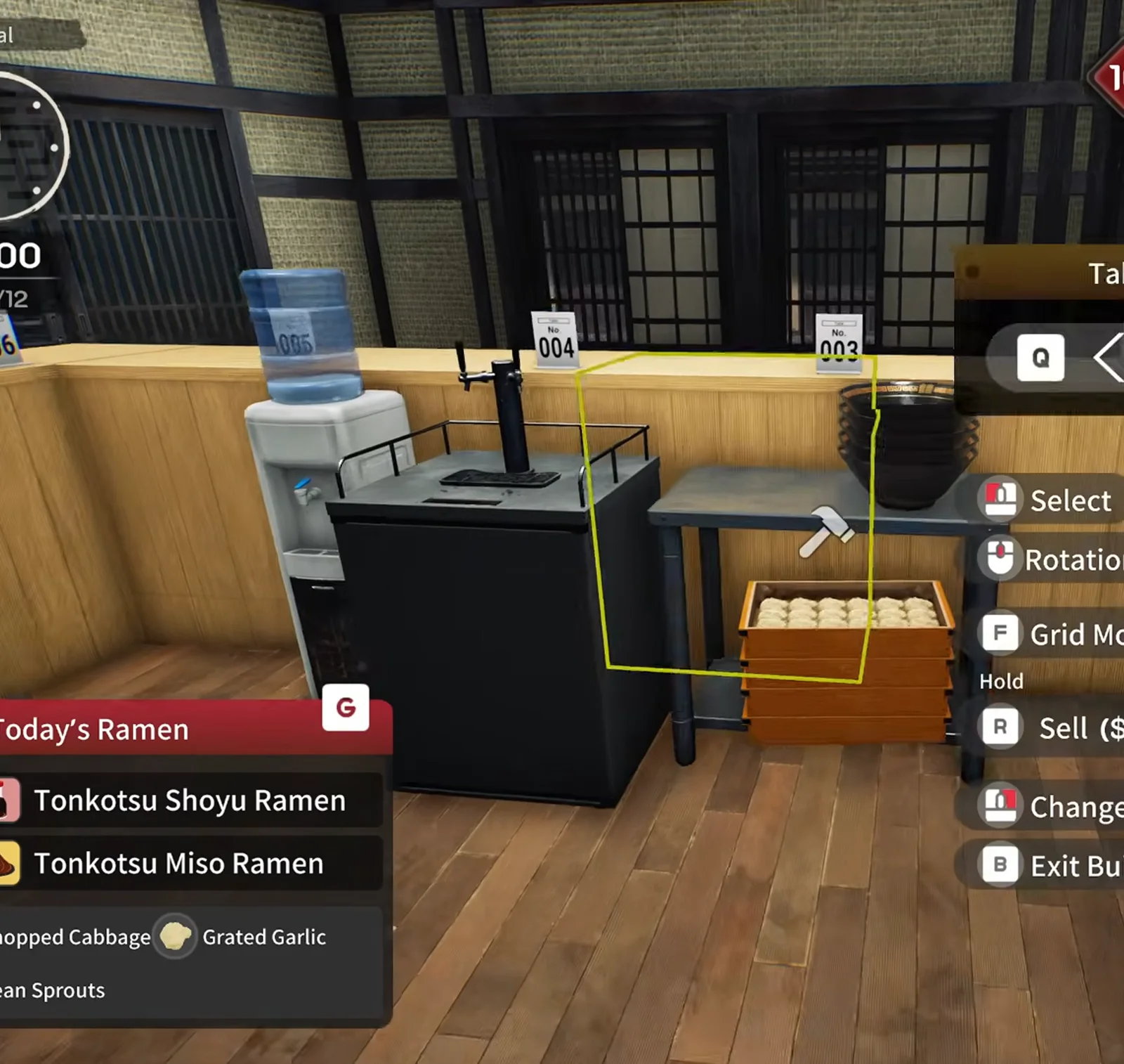
Japanese Ramen Simulator build mode hammer cursor with a yellow placement outline beside a water dispenser, a black counter unit and a wooden crate, with Select, Rotation, Grid Mode and Sell prompts
STEP 06

Step 6: Move prep tables in build mode (10:00, day 12)

Build mode continues the next in-game morning in the preview: grid toggles and yellow selection outlines show while the creator drags prep tables beside renumbered counter seats. Red or green ghosts still mean invalid vs valid placement — storage goes along shoji walls first to keep a lane to the kitchen.

▶ Watch this moment in Max V2’s preview run: 22:15
📸 10:00 day 12 — build mode: yellow outline while placing furniture.
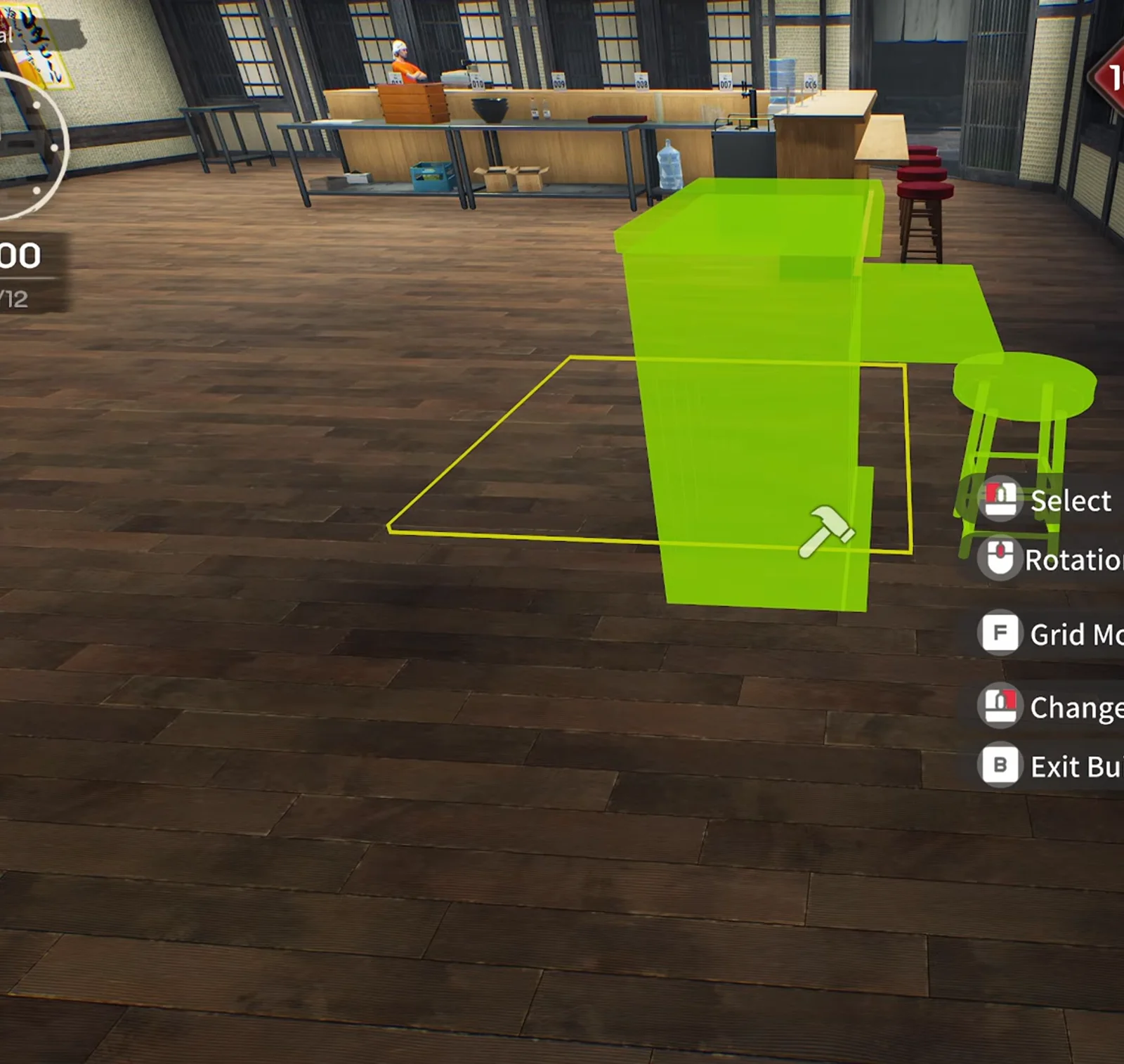
Japanese Ramen Simulator build mode green placement ghost of a counter block with a bar stool and a yellow outline on the dark wood floor of the expanded hall
STEP 07

Step 7: Sketch bar + kitchen island (24:55)

With the hall empty, the creator mapped an L-shaped bar counter to separate the kitchen island from guest traffic — “compact bar, big dining room.” You do not need to copy the shape; the lesson is zoning: cook behind the bar line, seat guests outside it.

▶ Watch this moment in Max V2’s preview run: 24:55
📸 24:55 — build mode: green ghost counter block and bar stool.
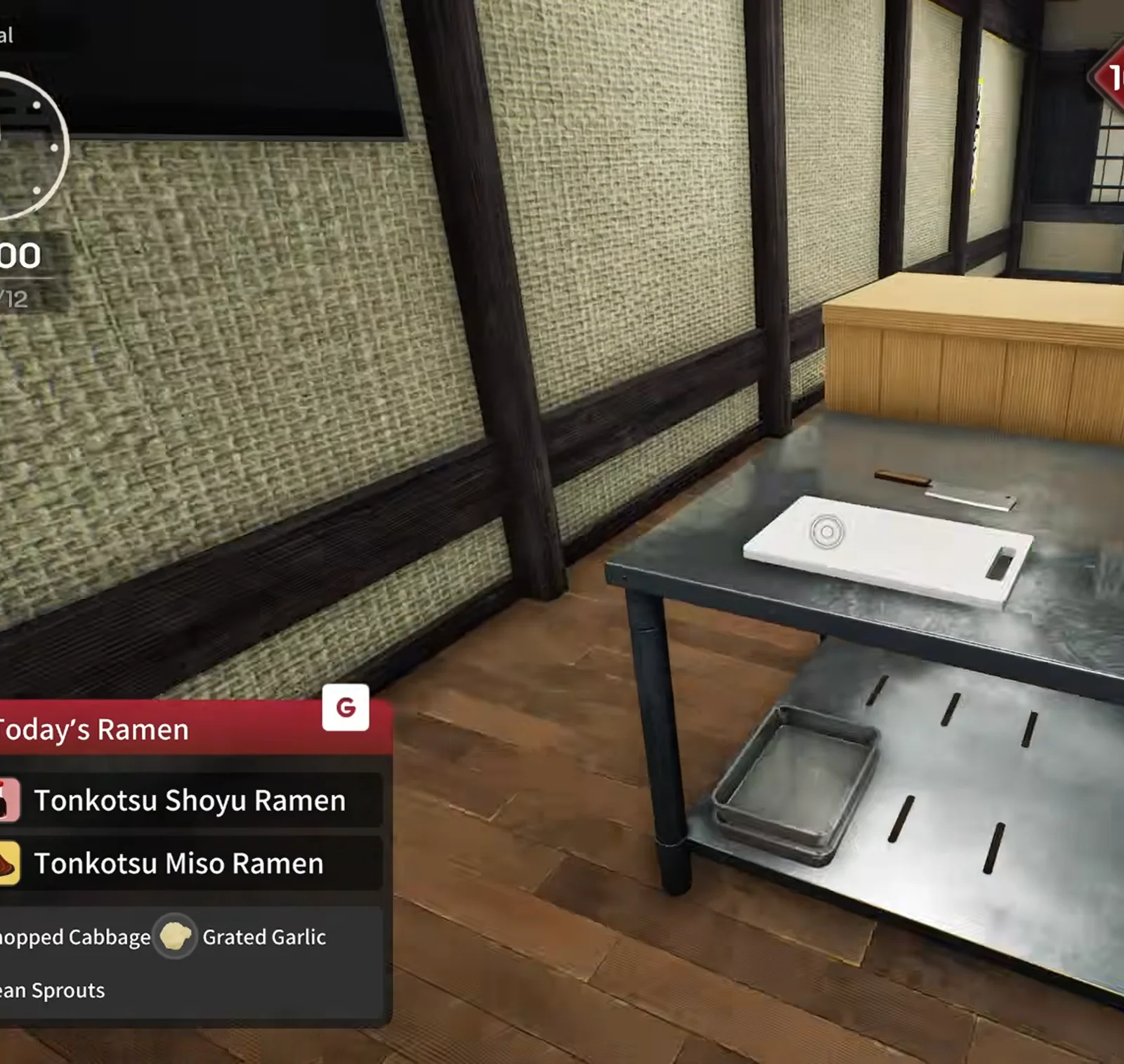
Japanese Ramen Simulator stainless prep table with a white cutting board and knife staged along the rebuilt back kitchen line at level ten in preview
STEP 08

Step 8: Rebuild the prep line (29:10)

After moving stoves and prep tables, the run rebuilds a cutting board station, gyoza plate stacks and noodle crates along one stainless line. Expect everything to hit the floor once while you shuffle — the preview literally drops crates during rearranging.

▶ Watch this moment in Max V2’s preview run: 30:00
📸 29:10 — prep tables and cutting board back online.
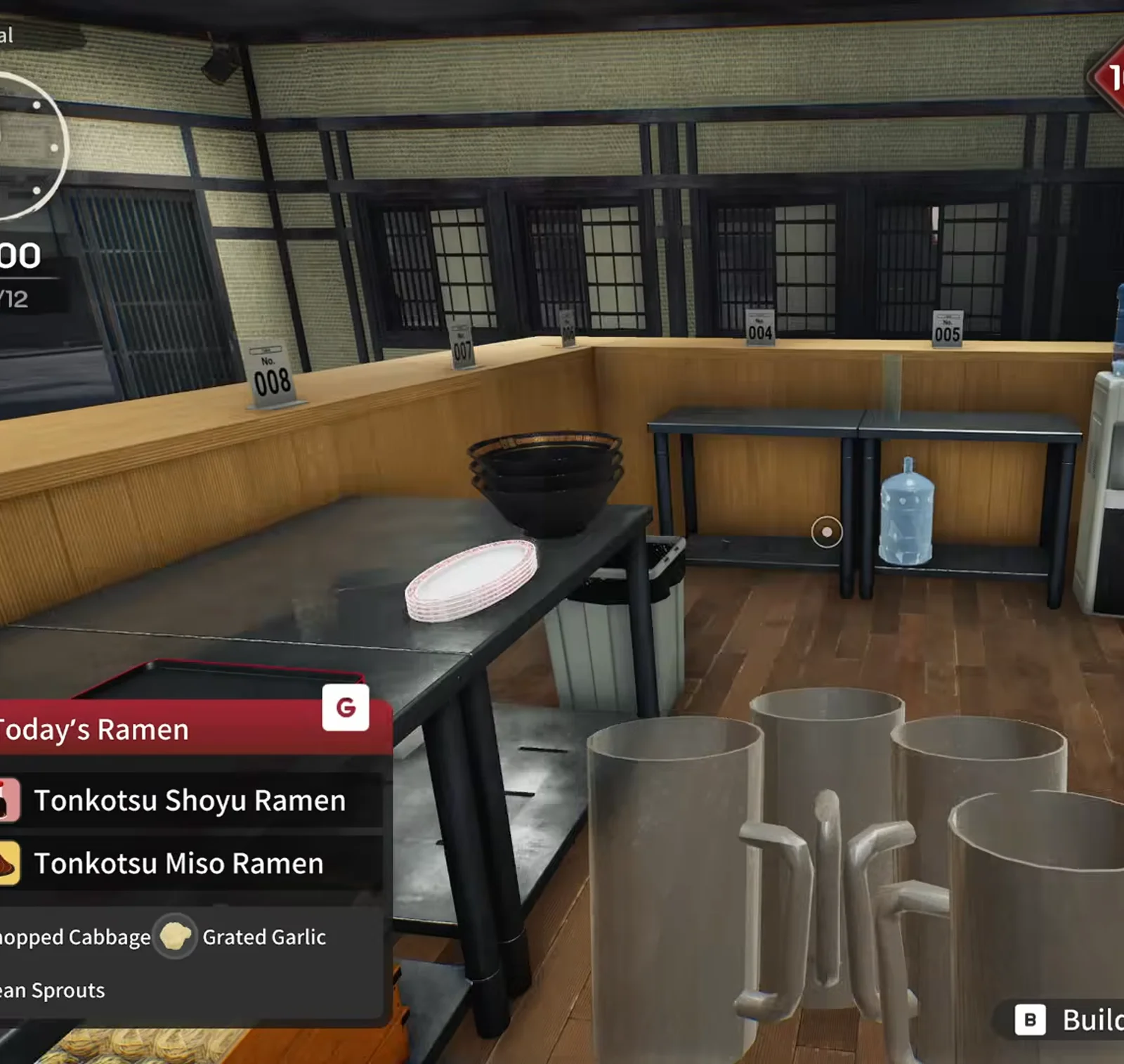
Japanese Ramen Simulator steel prep table with a bowl and plate, large grey beer mugs in the foreground and a blue water jug on the back counter in the expanded kitchen
STEP 09

Step 9: Stack water and beer compactly (31:11)

Water dispenser and draft beer get stacked vertically to save counter length: glasses above, water below, beer tower beside ticket clips. That frees the old front counter for more table numbers.

▶ Watch this moment in Max V2’s preview run: 31:40
📸 31:11 — beer mugs on the prep table, water jug on the back counter.
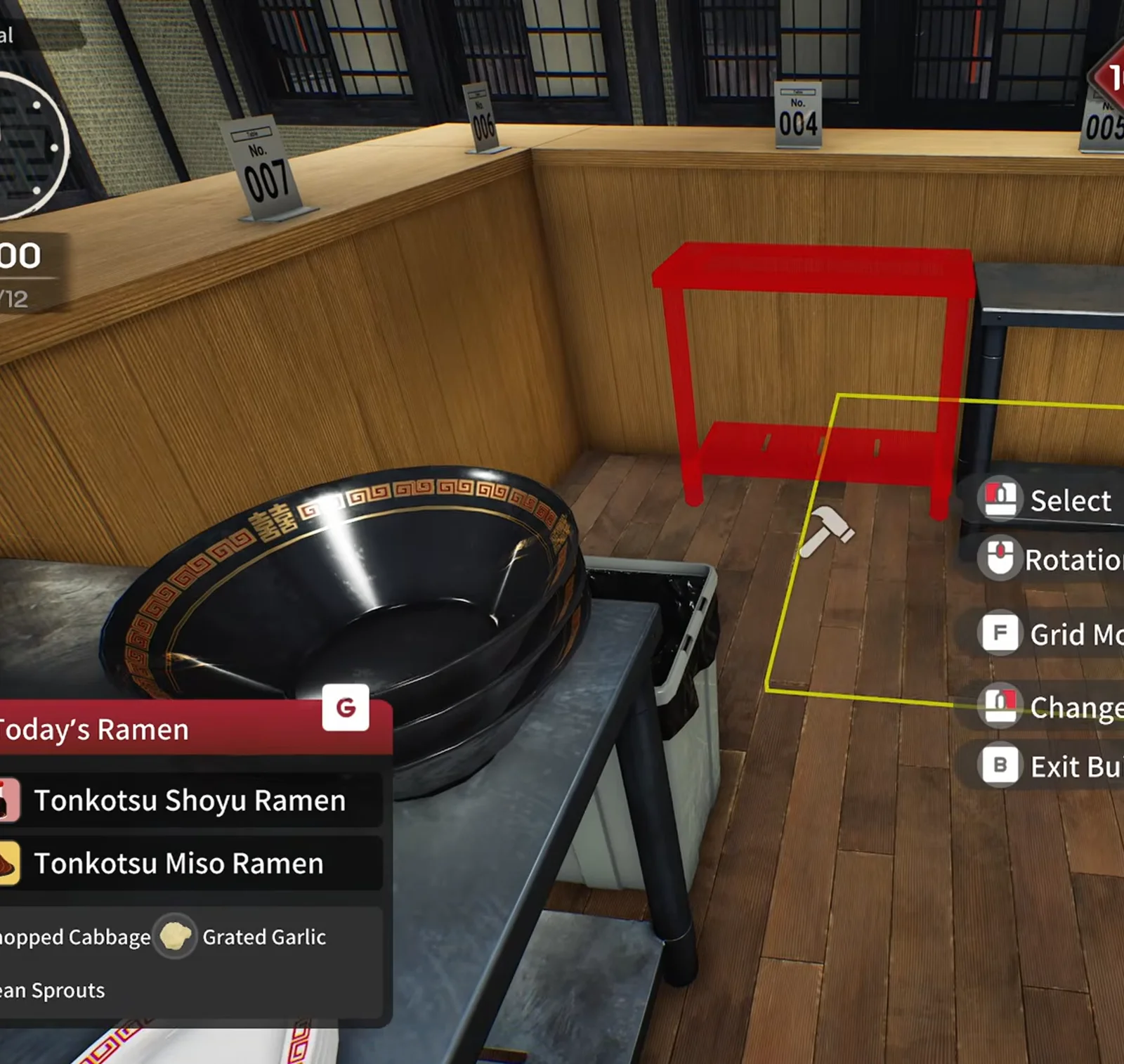
Japanese Ramen Simulator build mode red placement ghost of a small steel shelf beside the wooden counter with a large black pot on a prep table and seat tags seven and four
STEP 10

Step 10: Renumber table signs (32:12)

New square tables and booth sofas mean new table-number placards. The UI lets you swap signs instead of re-buying furniture — the creator reordered numbers 3–15 after adding window booths.

▶ Watch this moment in Max V2’s preview run: 31:20
📸 32:12 — build mode: red ghost shelf next to the big black pot.
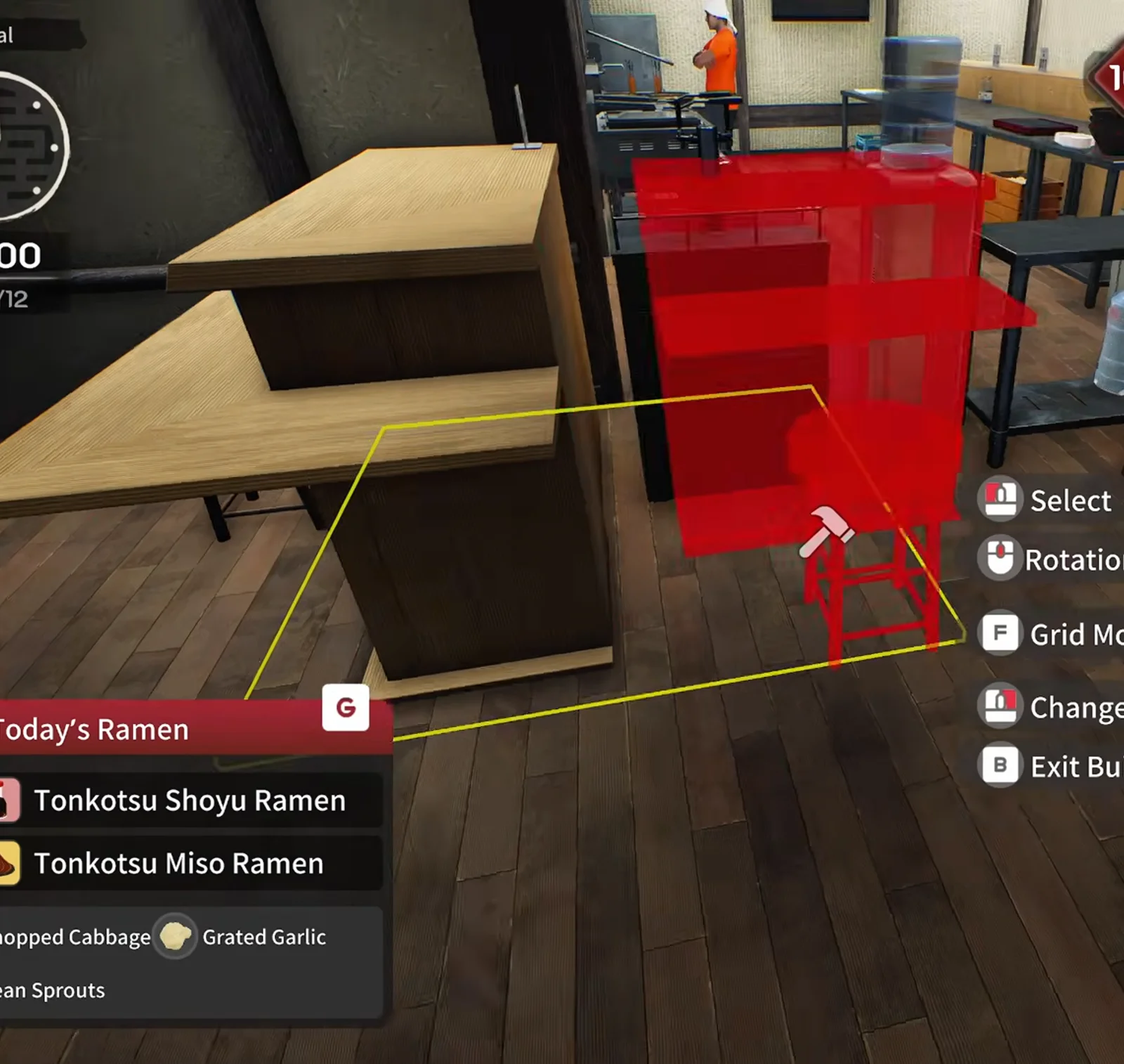
Japanese Ramen Simulator build mode red placement ghost of a steel rack overlapping a wooden L-shaped counter with a water jug on top and a staff member in the background
STEP 11

Step 11: Add window booth seating (32:42)

The equipment catalog adds four-seat sofa booths that face street windows. Place one booth, test customer pathing around the bar corner, then clone along the window line — the preview fits two booths before money runs low.

▶ Watch this moment in Max V2’s preview run: 32:42
📸 32:42 — build mode: red ghost rack beside the wooden counter.

Frequently Asked Questions (FAQ)

Q1.When does the first shop expansion unlock in Japanese Ramen Simulator?

Steam achievement text ties the first expansion purchase to build mode after you reach shop level 10. Max V2’s pre-release run hit level 10 on day nine during service. Official Day 1 patch notes do not restate the level — treat 10 as achievement-backed and verify in your save.

Q2.How do you start the expansion purchase?

In Max V2’s preview the counter laptop opens as the Supply Terminal (green interaction outline) to reach the shop expansion purchase flow. A later daily checklist still says “check shop expansion” — see /guides/level-unlocks-guide for where that sits in the level ladder.

Q3.How much does the first expansion cost?

Not published in Steam news at our last check. In Max V2’s preview footage the register balance fell from about $1,051 to $771 immediately after buying — roughly $280, but discounts, difficulty payouts or live patches could change that number.

Q4.Can you expand while customers are in the shop?

Yes in the preview run: the creator bought the expansion mid-shift, kept taking orders, and entered build mode between tickets. Expect pathing quirks while furniture is mid-air.

Q5.What is the difference versus /guides/shop-customization-guide?

Shop customization covers decor, lighting and capacity tricks anytime. This page is the level-10 milestone that removes an interior wall and adds a whole hall — floor-plan zoning, seating counts and prep relocation.

Q6.Does expanding increase customer count?

The preview streamer wondered about traffic but never measured a jump solo. Multiplayer and difficulty may matter; after expanding he still wanted more guests. No official solo spawn rate is published.

Q7.Will tutorial credit if I expand before the checklist asks?

Yes since the Day 1 patch: actions finished before their hint counts — including expanding the shop. See /guides/tutorial-stuck-guide if the checklist still sticks.