已发售抢先体验上线于 2026年10月9日游戏版本 v0.1.50.17746Steam 评价 特别好评 · 91% (209)数据核对于 2026年10月11日更新日志 →
店铺扩建 — 10 级

《Japanese Ramen Simulator》10 级首次店铺扩建攻略

Steam 抢先体验:10 级首次店铺扩建——终端购买、新用餐大厅、建造模式动线与座位。整理自 Max V2 发售前创作者预览,价格与等级为观察值,官方未确认。
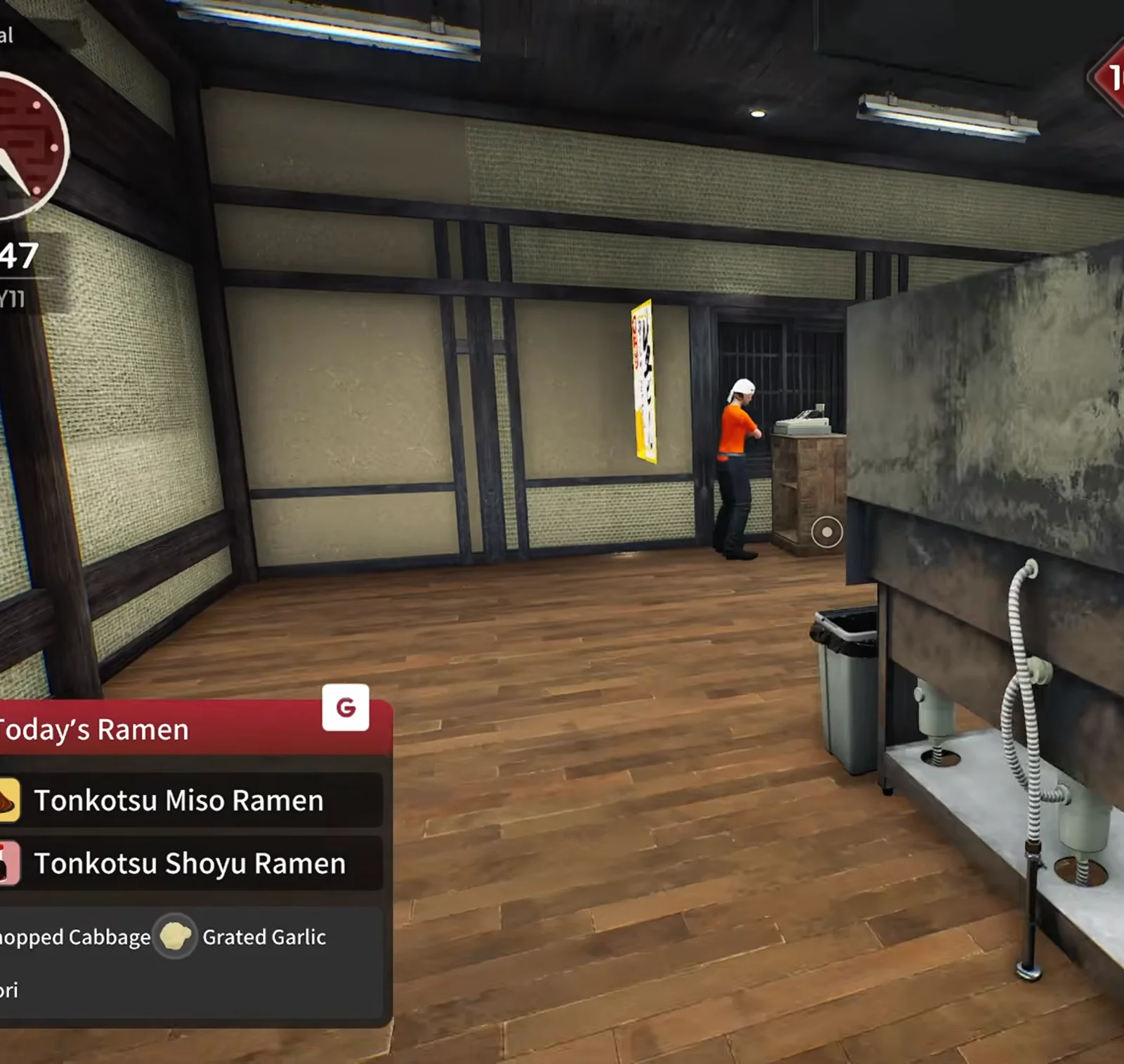
Japanese Ramen Simulator wide dark-wood hall with shoji walls, a staff member at the back window and a steel counter unit with a trash bin after the first shop expansion at level ten in preview footage
📸 14:47——第一次扩建后,柜台后方整片空大厅打开。▶ 在 Max V2 预览实况中观看这一幕: 15:45

首次扩建速览

Steam 成就分别记录「店铺达到 10 级」与「首次购买扩建」。下列步骤整理自 Max V2 发售前 Part 3 实况(2026-10 预览构建)——等级、价格与 UI 均为观察值,非官方时间表。 实测观察

解锁条件店铺 10 级

预览中第 9 天营业中升级;Steam 成就文案为 level 10

购买入口终端 → Shop Expansion

管理笔记本桌面绿色扩建图标;之后任务会写「确认店铺扩建」

资金变化(观察)约 $280

同一段实况购买后现金约从 $1,051 降到 $771——官方尚未公布确切售价

物理变化隔墙消失

内墙拆除,多出大片榻榻米纹地板用餐区,可设 bar 与后厨

当天建议先补碗碟

主播扩建前买了更多碗和桌子,避免座位多了却缺碗

下一档(口述)20 级?

实况中猜测下次扩店在 20 级——补丁说明未确认

官方锚点(Steam)

  • •成就「Reach shop level 10.」——店铺等级节点(Steam 文案)。
  • •成就「Expand your shop for the first time.」——解锁后在建造模式购买首次扩建。
  • •Day 1 补丁:提示出现前完成的扩建也计入教程进度。

Steam Day 1 — v0.1.48.17626 · 官方

来源与预览视频

截图来自 Max V2 YouTube 预览(Part 3),画面已裁去摄像头;文案为原创改写。等级阶梯见 /guides/level-unlocks-guide,装潢见 /guides/shop-customization-guide,座位试算见 /tools/layout-planner——本页专讲 10 级扩 动线与座位。 实测观察

10 级扩建分步攻略(11 步) 实测观察

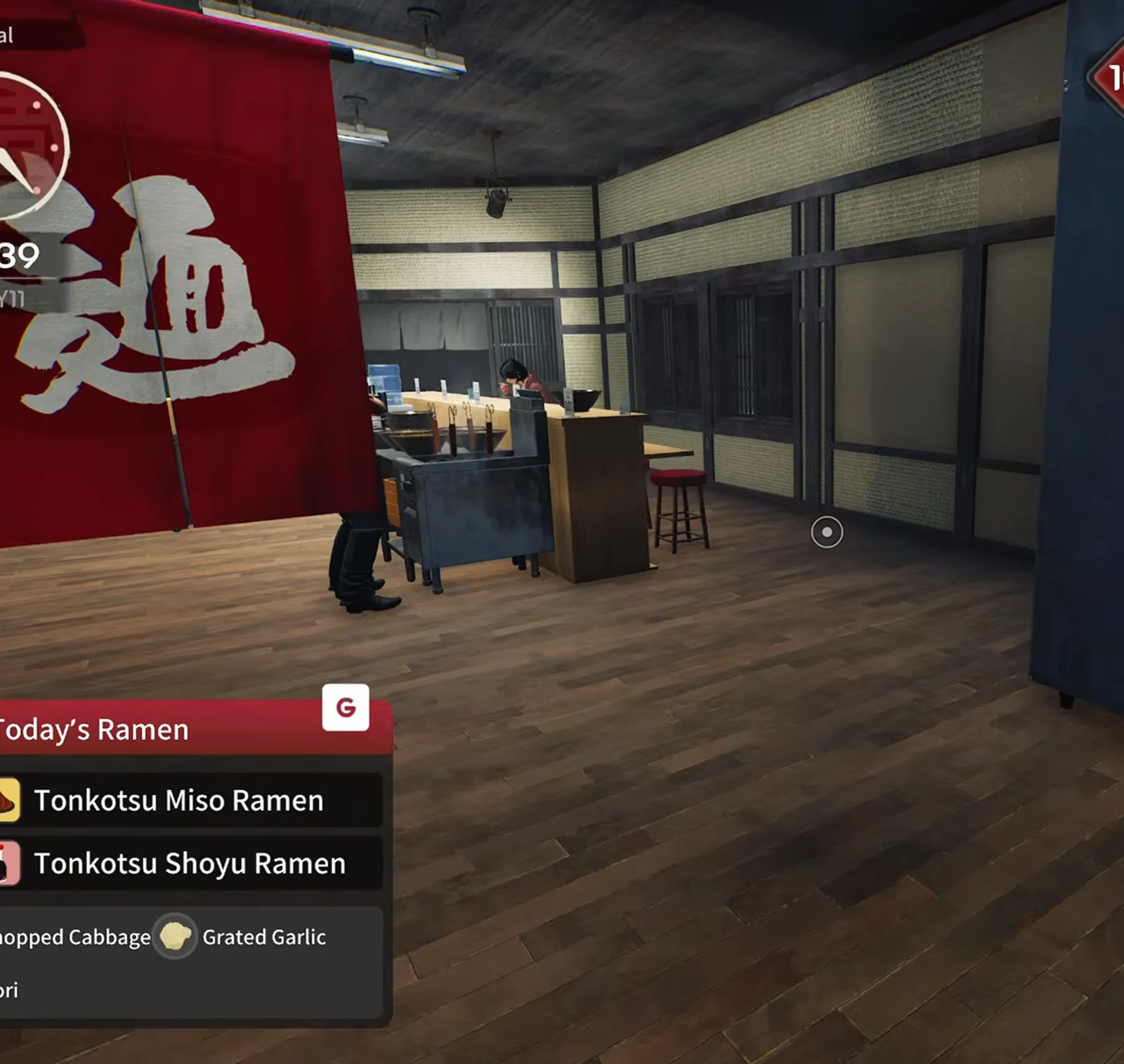
Japanese Ramen Simulator red noren curtain with the noodles kanji hanging inside the expanded dining hall during Max V2 preview service
STEP 01

第 1 步:10 级节点(预览·14:39)

Max V2 实况里 10 级升级弹窗出现在仍在接单的营业中,而非睡觉时。与 Steam「店铺 10 级」成就一致。若差一单升级,可先清票——扩建后同一班次就要改动线,客人仍会进来。

▶ 在 Max V2 预览实况中观看这一幕: 15:40
📸 14:39——新大厅 内暖帘(预览)。
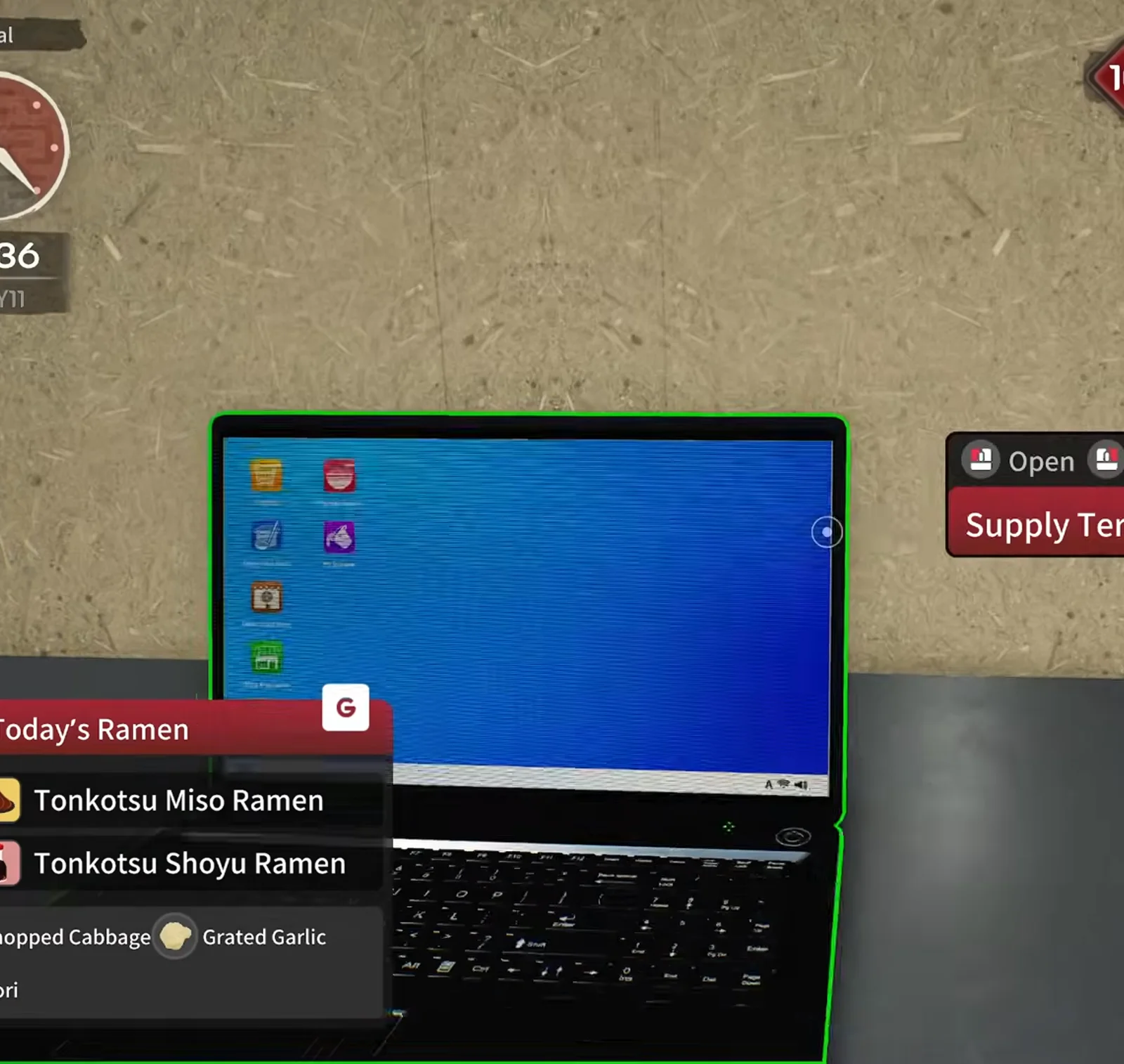
Japanese Ramen Simulator Supply Terminal laptop highlighted in green on the counter desktop before confirming the first shop expansion in preview footage
STEP 02

第 2 步:打开 Supply Terminal 笔记本(14:36)

柜台上的管理笔记本桌面有绿色 Shop Expansion 图标,与收银统计、设备订购、装潢并列。等级一到就打开;预览里在地面真正变宽前几分钟就悬停在该图标上。

▶ 在 Max V2 预览实况中观看这一幕: 15:38
📸 14:36——购买前的 Supply Terminal。
Japanese Ramen Simulator first shop expansion opening a wide dark-wood hall behind the counter at level ten with a staff member by the back wall and Today's Ramen on screen
STEP 03

第 3 步:购买首次扩建——空大厅(14:47)

确认购买后,内墙消失,柜台后方出现大片深色木地板空大厅。预览中现金约减少 $280。可营业中扩建——主播边接单边规划。

▶ 在 Max V2 预览实况中观看这一幕: 15:45
📸 14:47——扩建后的宽敞大厅。
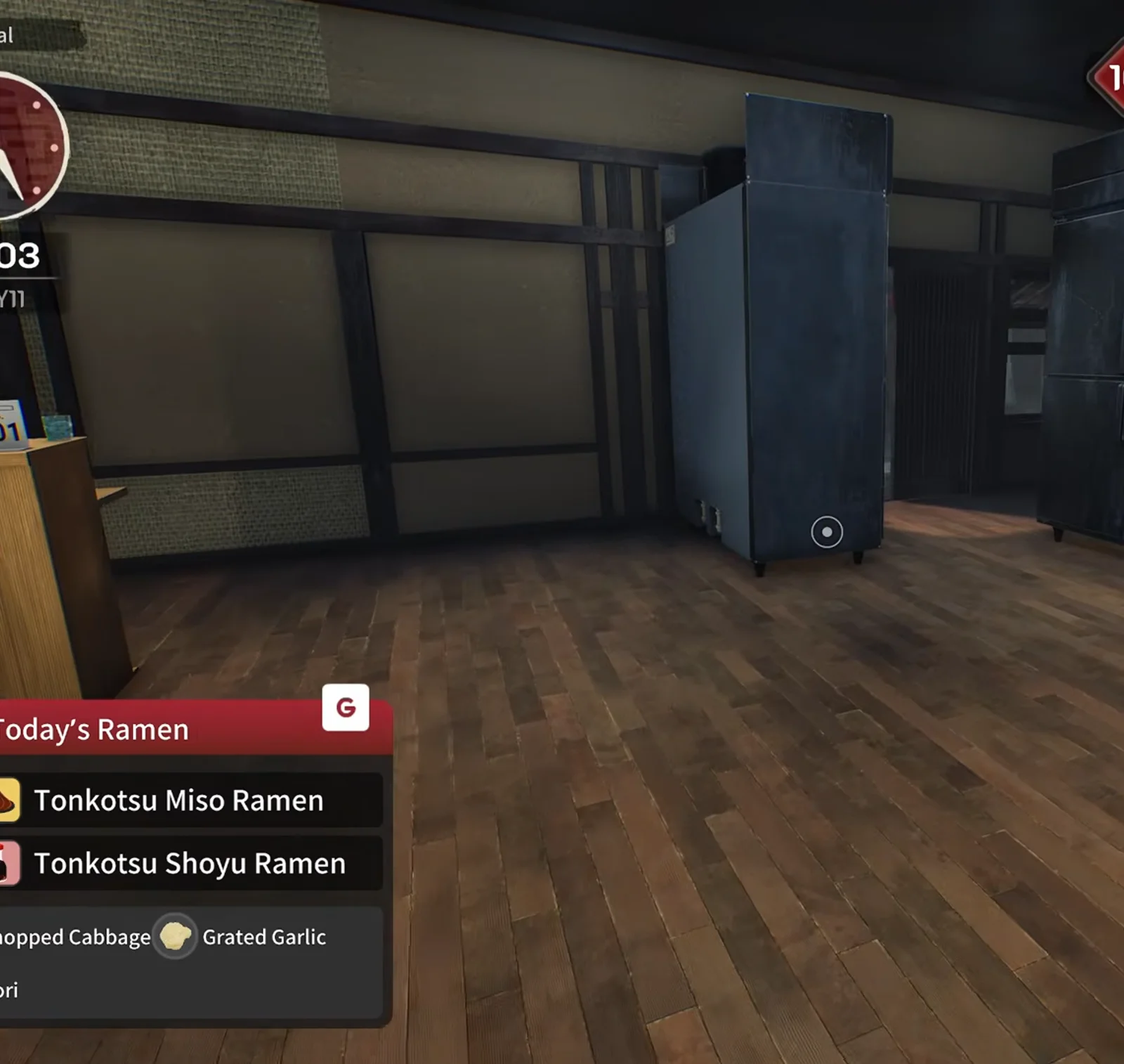
Japanese Ramen Simulator dark empty wood-floor room with a single tall dark-blue cabinet standing against the back wall of the expanded hall in the preview run
STEP 04

第 4 步:踩点新后厨区域(15:03)

新区域纵深足够;实况规划后段作厨房/仓储,本步截图仅见后墙深蓝色柜体。先绕一圈再采购——预览把后 1/3 当厨房/仓储,前段留给客人。

▶ 在 Max V2 预览实况中观看这一幕: 15:55
📸 15:03——后墙边的深蓝色柜体。
Japanese Ramen Simulator build mode paint tool targeting a tatami-textured wall panel with Paint, Reset Paint and Eyedrop controls at level ten
STEP 05

第 5 步:建造模式改墙面(19:04)

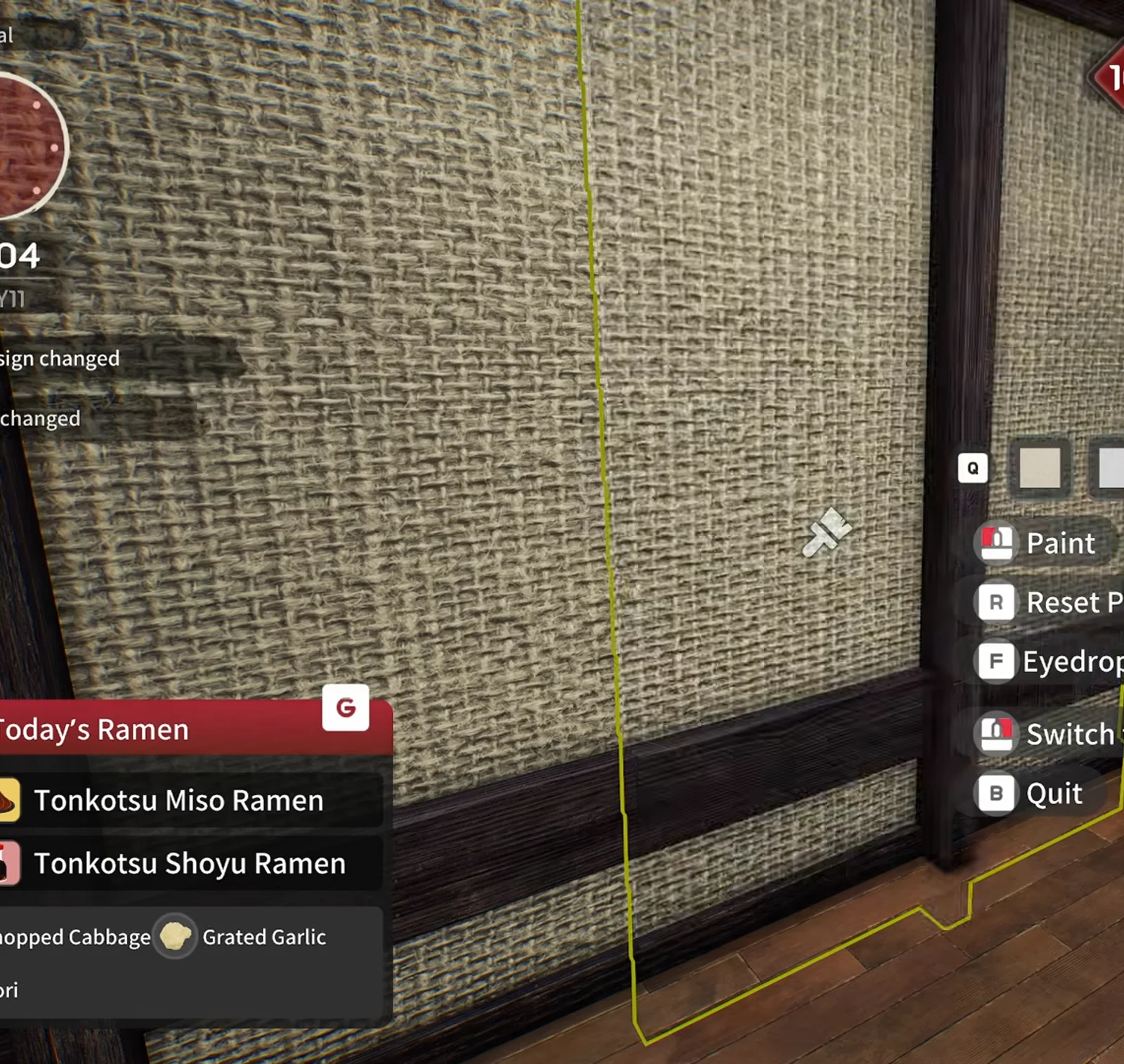
扩建后立刻能进建造模式——墙面喷漆、吸管取色、重置与扩建前相同。预览中仍有客人时就在改 tatami 墙板。Day 1 补丁未改扩建等级,只说明教程可提前完成扩建。

▶ 在 Max V2 预览实况中观看这一幕: 17:50
📸 19:04——扩建墙面的喷漆菜单。
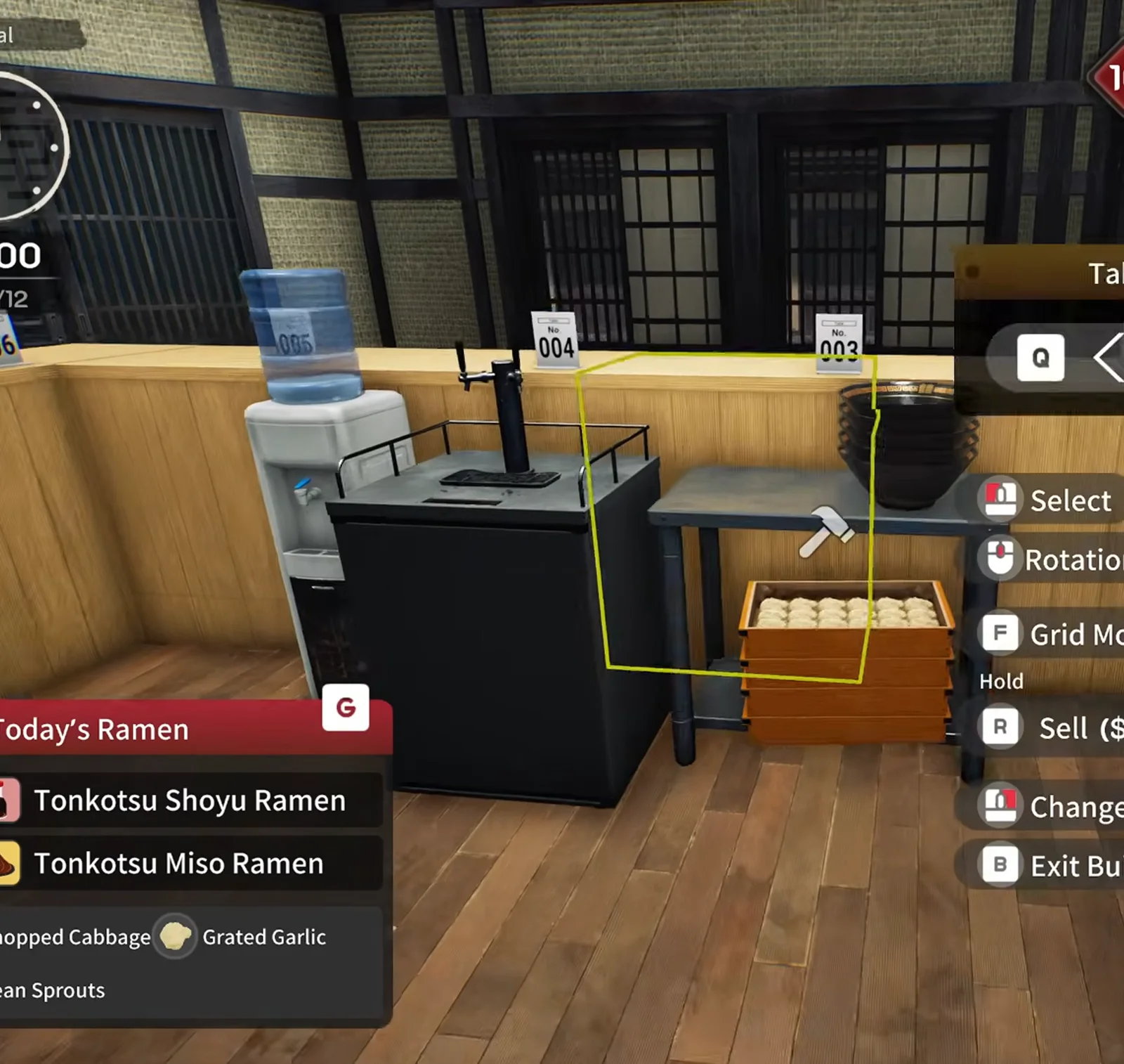
Japanese Ramen Simulator build mode hammer cursor with a yellow placement outline beside a water dispenser, a black counter unit and a wooden crate, with Select, Rotation, Grid Mode and Sell prompts
STEP 06

第 6 步:建造模式移动 prep 桌(第 12 天 10:00)

网格模式让货架、柜子、柜台吸附地砖。红色虚影=未确认,绿色=可放置。预览先把储物贴 shoji 墙,留出门到厨房的通道。

▶ 在 Max V2 预览实况中观看这一幕: 22:15
📸 第 12 天 10:00——建造模式:黄框摆放家具。
Japanese Ramen Simulator build mode green placement ghost of a counter block with a bar stool and a yellow outline on the dark wood floor of the expanded hall
STEP 07

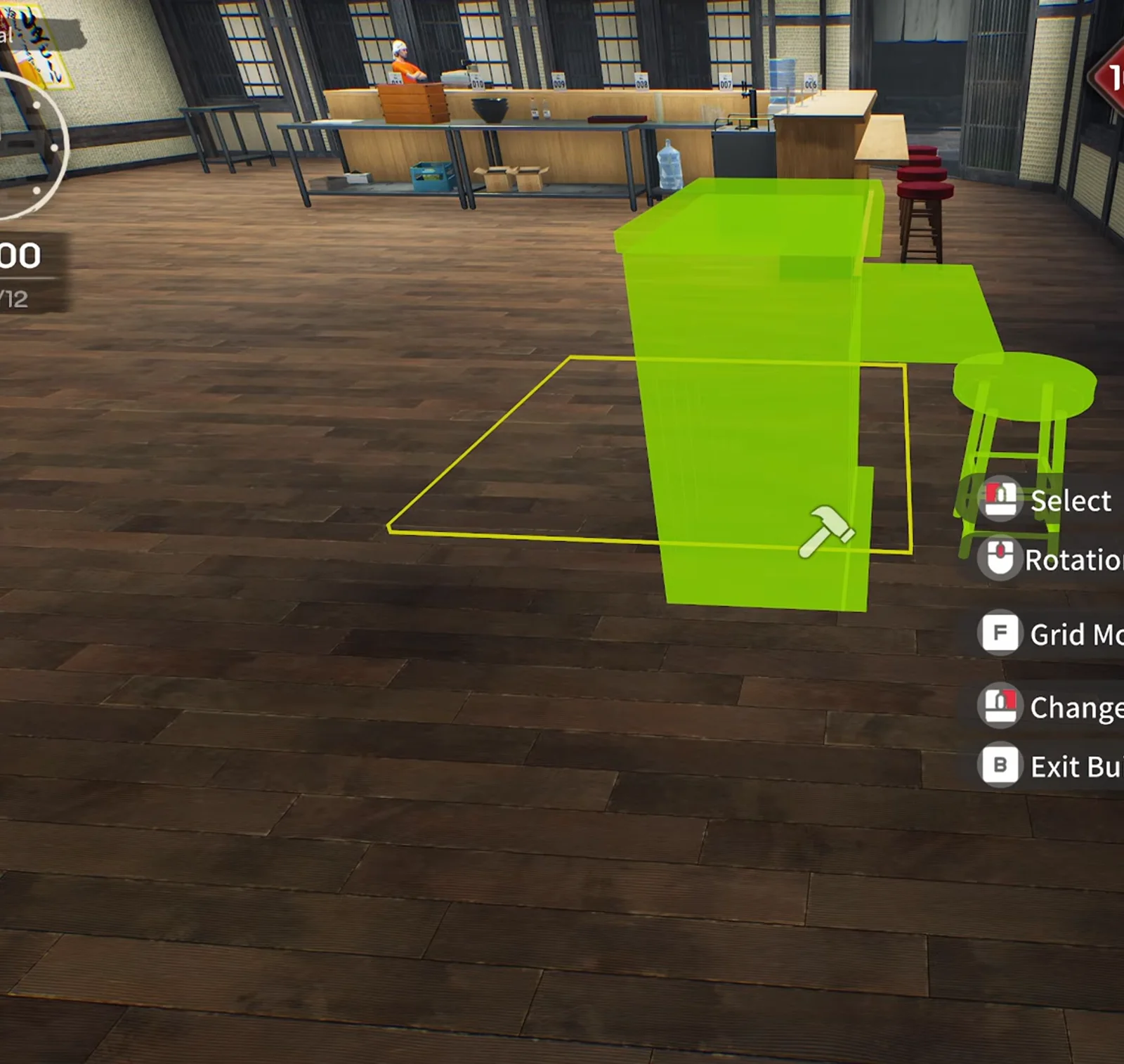
第 7 步:规划 bar 与厨房岛(24:55)

空大厅 里主播用 L 形 bar 把厨房岛与客流动线隔开——「小 bar、大 dining」。不必照抄,关键是分区:bar 内做饭,外圈坐人。

▶ 在 Max V2 预览实况中观看这一幕: 24:55
📸 24:55——建造模式:绿色 ghost 柜台与吧台椅。
Japanese Ramen Simulator stainless prep table with a white cutting board and knife staged along the rebuilt back kitchen line at level ten in preview
STEP 08

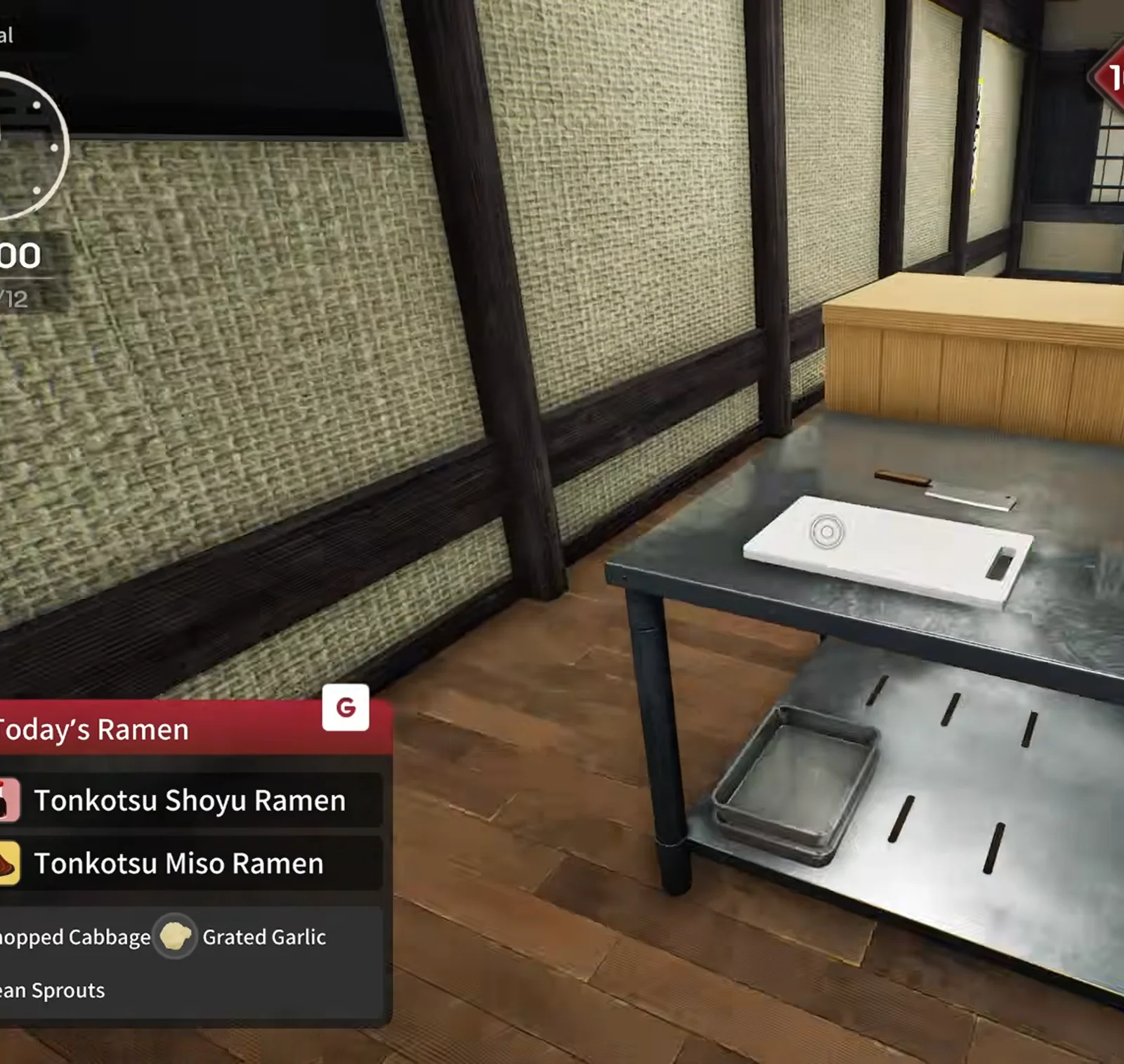
第 8 步:重搭备料台(29:10)

搬完炉台与 prep 桌后,重建砧板位、煎饺盘堆与面箱成一条不锈钢线;重新摆放时东西会先掉一地——预览里箱子也滑到地上。

▶ 在 Max V2 预览实况中观看这一幕: 30:00
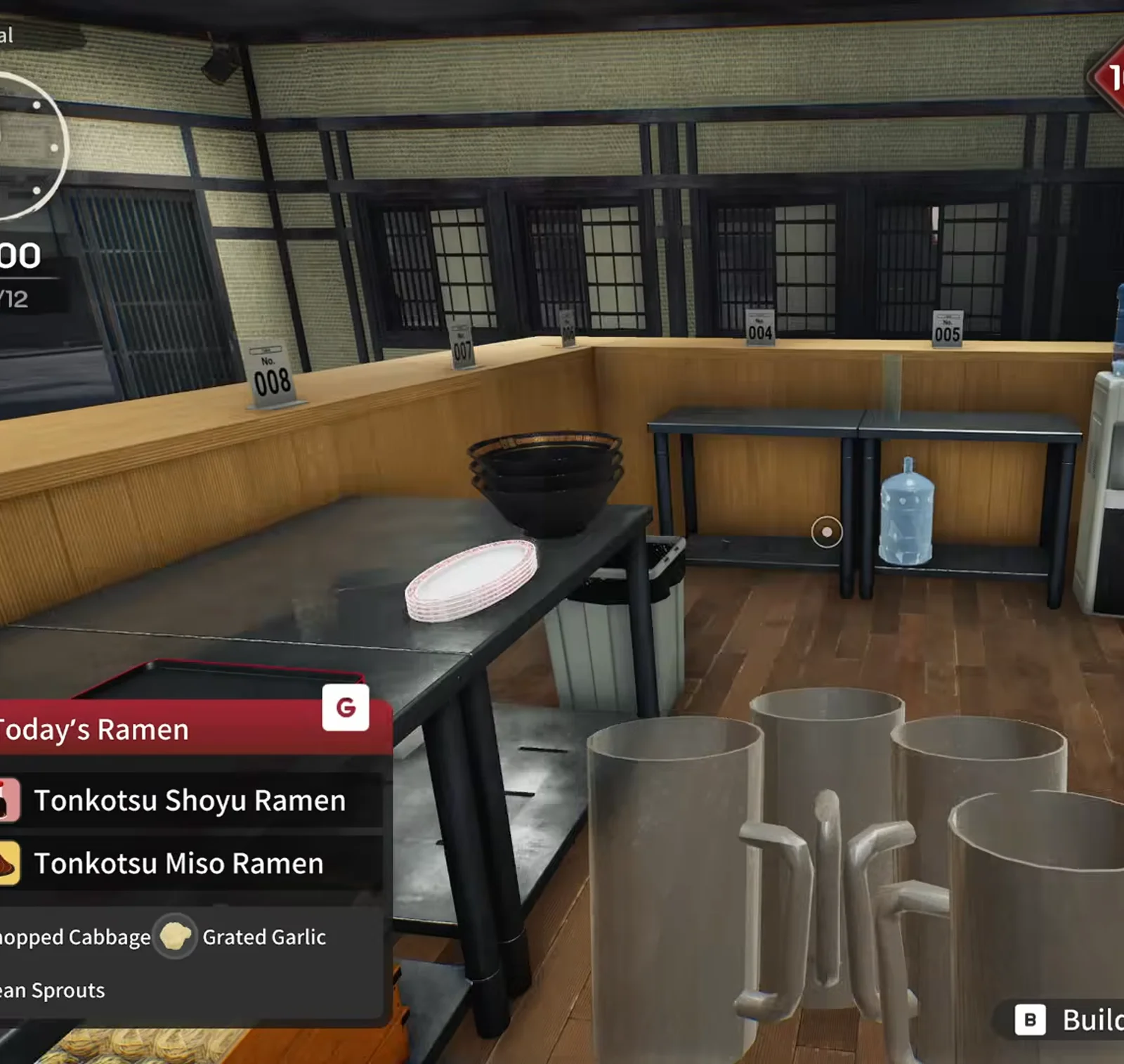
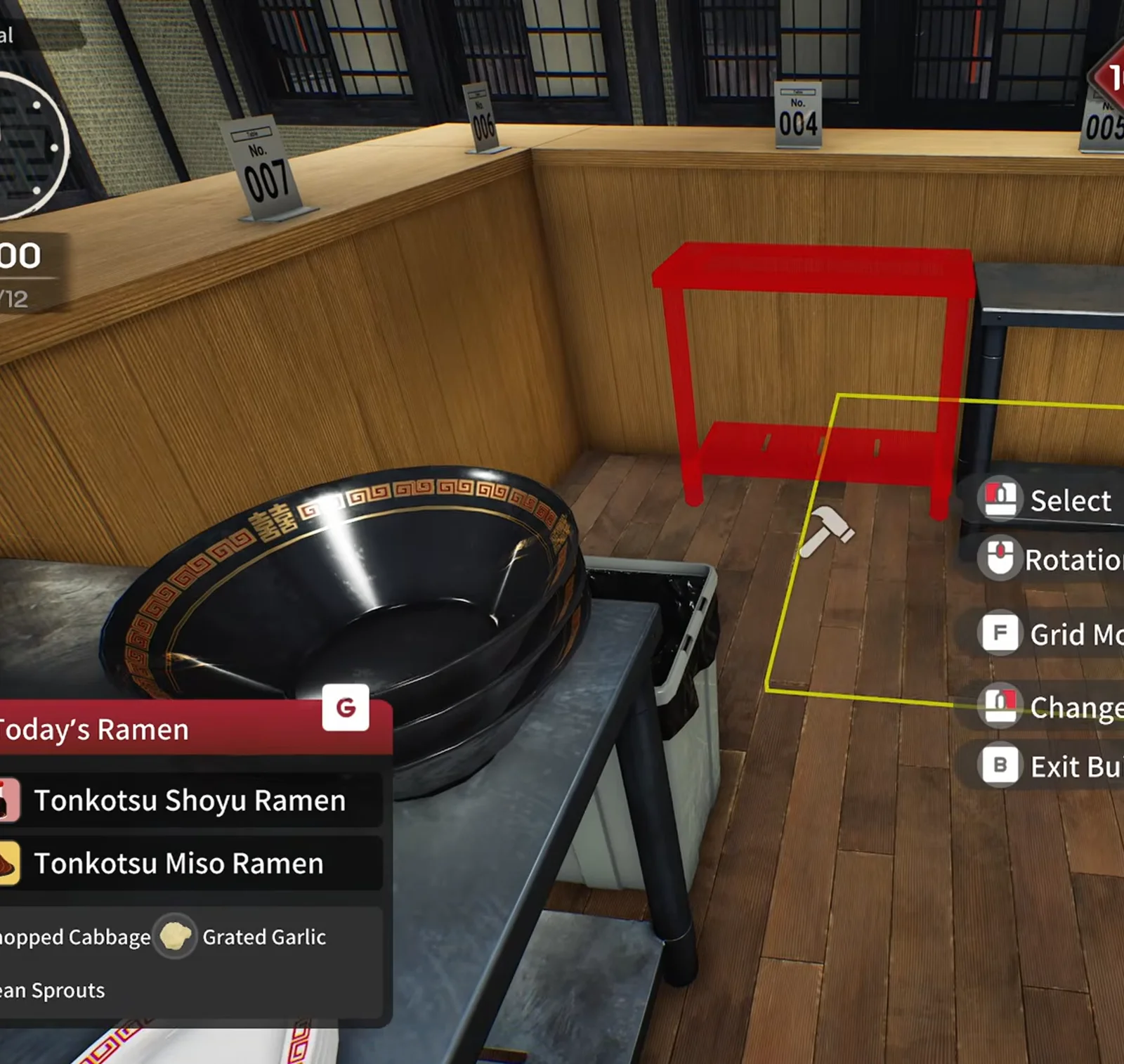
📸 29:10——prep 线与砧板归位。
Japanese Ramen Simulator steel prep table with a bowl and plate, large grey beer mugs in the foreground and a blue water jug on the back counter in the expanded kitchen
STEP 09

第 9 步:紧凑布置水与啤酒(31:11)

饮水机和生啤塔上下叠放省台面:杯在上、水在下、啤酒旁挂订单夹。旧前台才能腾出更多桌号。

▶ 在 Max V2 预览实况中观看这一幕: 31:40
📸 31:11——prep 台上的大啤酒杯与后方水桶。
Japanese Ramen Simulator build mode red placement ghost of a small steel shelf beside the wooden counter with a large black pot on a prep table and seat tags seven and four
STEP 10

第 10 步:重排桌号牌(32:12)

新方桌与卡座带来新桌号。UI 可互换号码牌而不用重买桌——预览把 3–15 号重新排序以配合靠窗卡座。

▶ 在 Max V2 预览实况中观看这一幕: 31:20
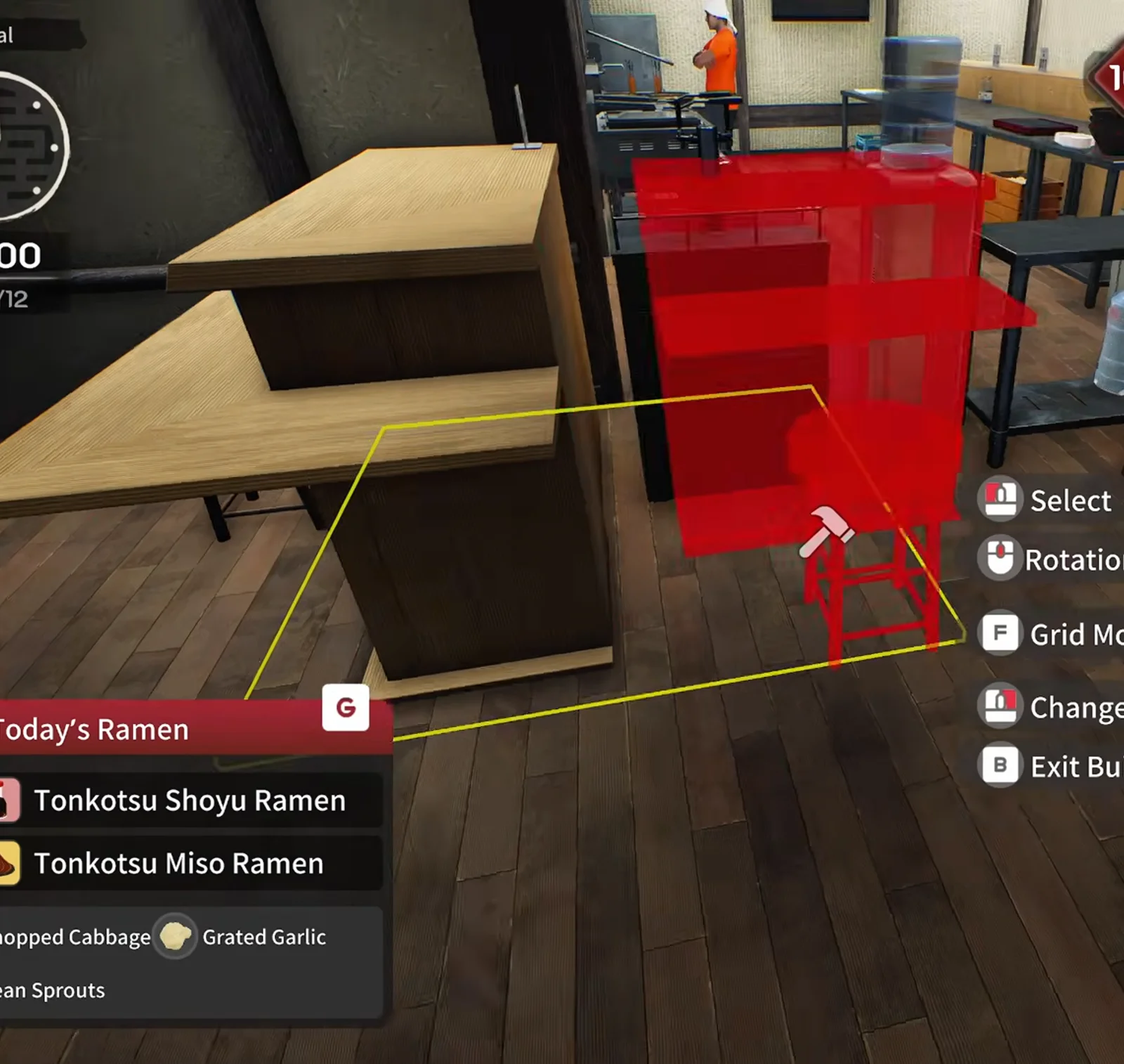
📸 32:12——建造模式:红色 ghost 层架与大汤锅。
Japanese Ramen Simulator build mode red placement ghost of a steel rack overlapping a wooden L-shaped counter with a water jug on top and a staff member in the background
STEP 11

第 11 步:靠窗卡座沙发桌(32:42)

设备目录有四座沙发卡座可贴街窗。先放一组测试 bar 转角路径,再沿窗复制——预览里钱不够只摆了两组。

▶ 在 Max V2 预览实况中观看这一幕: 32:42
📸 32:42——建造模式:木柜台旁的红色 ghost 层架。

常见问题(FAQ)

Q1.首次店铺扩建什么时候解锁?

Steam 成就将首次扩建与达到店铺 10 级、在建造模式购买关联。Max V2 预览第 9 天营业中到 10 级。Day 1 公告未重写该等级——以成就与存档为准。

Q2.从哪里开始购买扩建?

用柜台管理笔记本打开 Shop Expansion(绿色图标)。同预览稍后每日清单会写「check shop expansion」——见 /guides/level-unlocks-guide 在等级梯中的位置。

Q3.首次扩建多少钱?

Steam 新闻未公布固定价。预览片段购买后现金约从 $1,051 变为 $771(约 $280),难度系数或补丁可能改变。

Q4.营业中能否扩建?

预览可以: 营业中 购买、继续接单、间隙进建造模式。家具悬空时路径可能怪。

Q5.和 shop-customization 攻略有何不同?

装潢页讲随时可做的装饰与容量技巧;本页是 10 级扩建节点——拆内墙、整片大厅的分区与备料台搬迁(预览整理)。

Q6.扩建会增加客人吗?

预览主播怀疑但未实测单人模式是否增加来客;多人与难度可能影响。官方未公布单人来客频率。

Q7.清单提示前扩建算教程进度吗?

Day 1 起算:提示前完成的动作计入,包括扩建。卡住见 /guides/tutorial-stuck-guide。